Note: While it is not possible to directly edit a Snapshot that
is saved in a memory location, the desired effect can be
achieved by using the following method:
1. It is important to first erase the original snapshot from
memory. Pressing and holding the memory button to
erase the memory location will also load the
Snapshot into the Master Timer.
2. Make any desired changes to the Master
Timer.
3. Press and hold down the button of an
empty memory location to store a
Snapshot of the Master Timer.
Note: When erasing a Snapshot from a
memory location the Snapshot will
simultaneously be loaded and copied
over the Master Timer since the
memory button was pressed in the
process of erasing.
The memory location will be clear but the
Snapshot is now in the Master Timer.
The Master Timer can only be reset by manually
holding down the << button repeatedly until all
Intervals are erased.
Hint: If both high- and low-count Interval timers will be used it
might be helpful to keep a Snapshot of a low-count Interval timer
saved in memory for quick “resetting” of the Master Timer.
Saved timer Snapshots can be
accessed from any mode of the Enso
Clock.
If a timer Snapshot is saved in a particular
memory location, pressing its respective button will
immediately switch the clock into Timer mode and
load the Snapshot into the Master Timer.
This has the same effect as pressing the Timer button
and then the desired memory button.
Direct Memory Access enables quick access to saved
timer Snapshots.
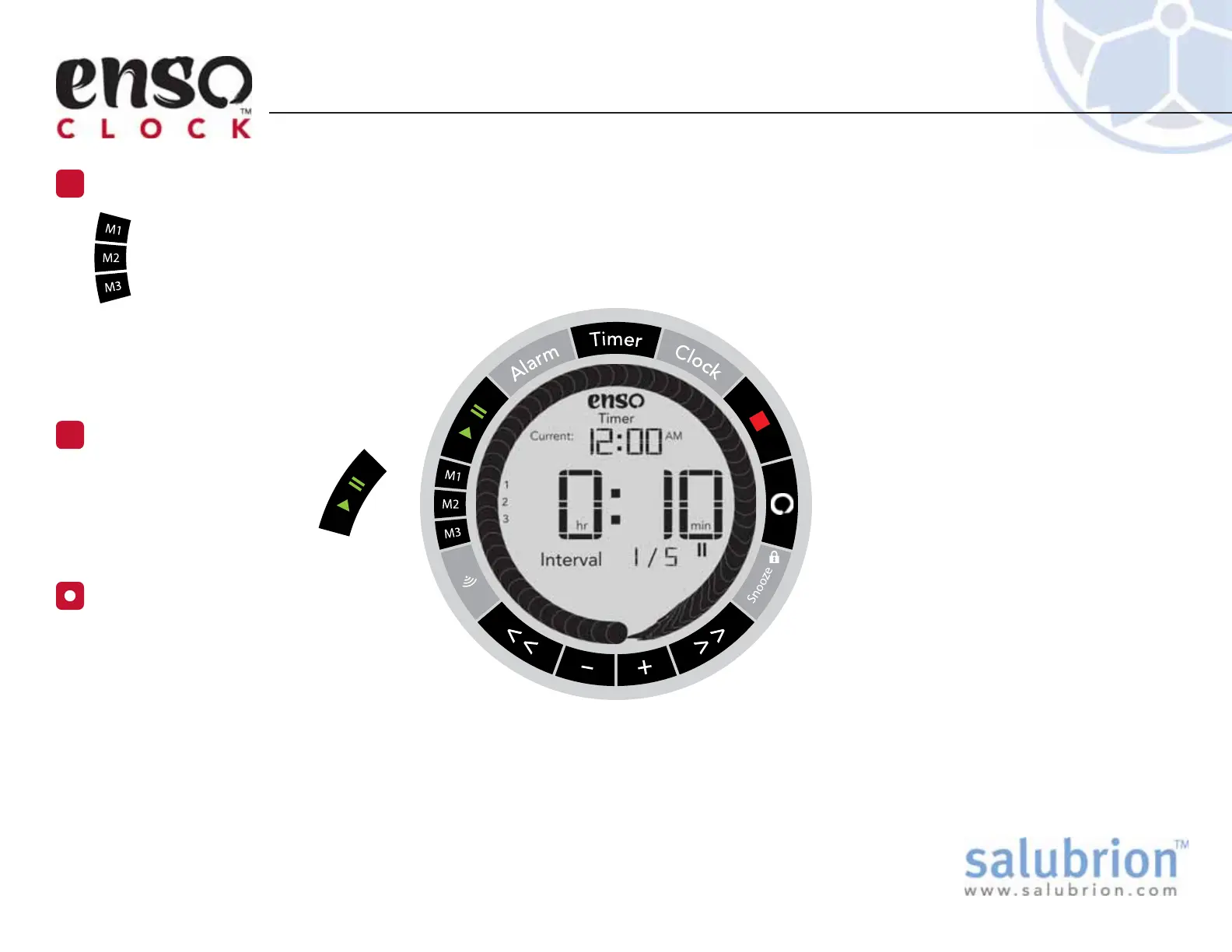
If a timer Snapshot is saved to a
memory location, it can be recalled by
pressing the button of the memory
location.
The saved Snapshot will be copied over
the Master Timer and be displayed in the
center of the display.
Using the Timer Memories
EX-EC-100-1.1
Recall a Saved Snapshot from Memory
1
Direct Memory Access
Start the Timer
2
Press the green Play/Pause
button to immediately
start the Timer.


 To Next Page