11. Normal Operation
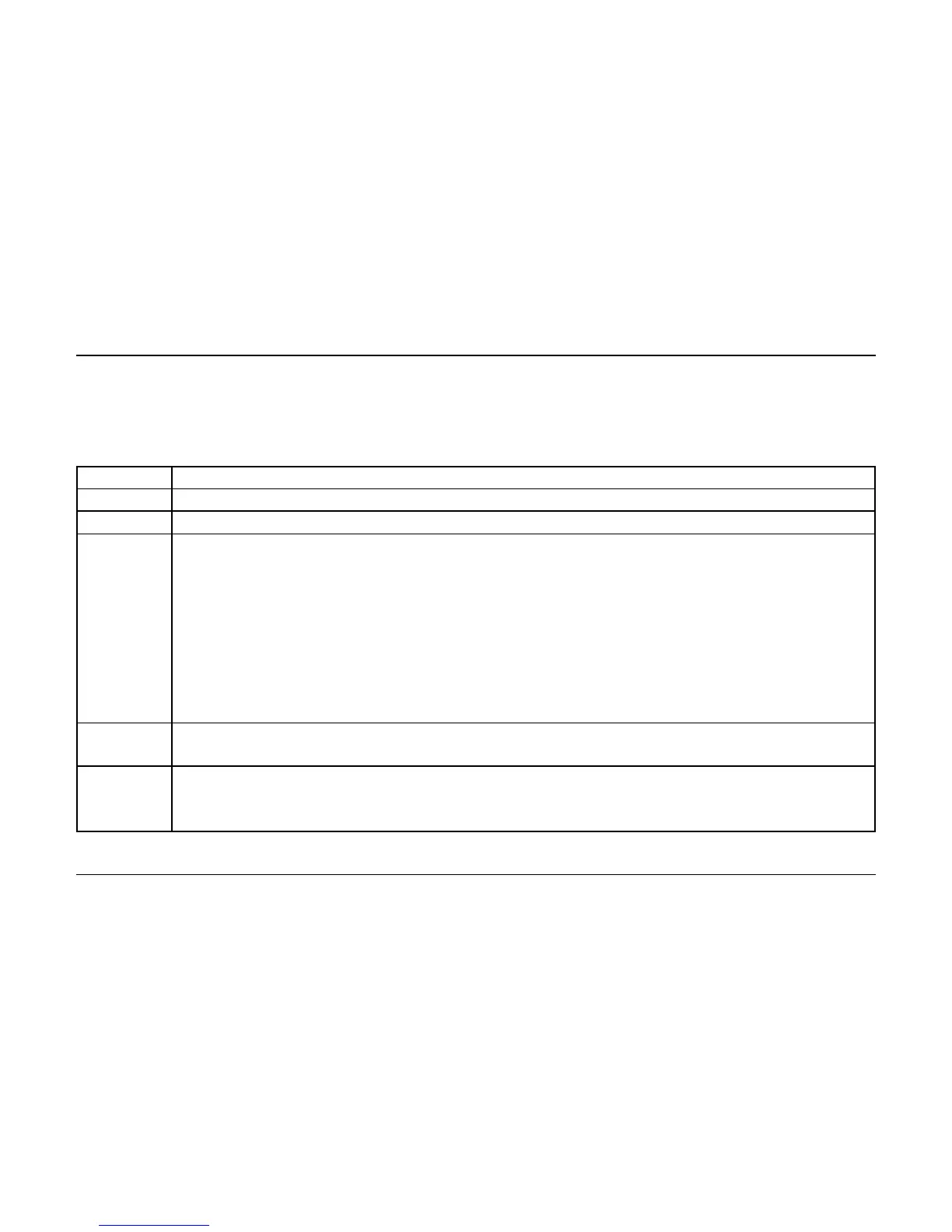
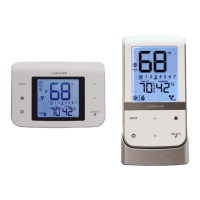
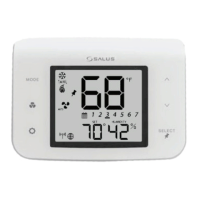
After exiting Installer Mode, the device will go to the Home Screen with the
following button functions.
Select heat/cool/auto mode
Select fan operating mode
Enter/Exit User Settings Mode for the following user accessible settings:
• C/F temperature units selection
• Internal/External temperature sensor selection
• Setback set point setup (if P16 is not Disable)
• 12/24 hour time display mode selection
• Set Time (if Standalone or Local mode)
• Set Month and Date (if Standalone or Local mode)
• Set Year (if Standalone or Local mode)
• Enter Program Schedule mode (if P0 = Programmable)
• Set temperature offset
Home Screen: Enter Set Point Change mode
Set Point Change: increase or decrease the set point for the selected heat/cool mode
Home Screen: Select what to display under ambient temperature;
time, or set point and humidity.
Set Point Change: Toggle state of permanent hold between ON and OFF


 To Next Page