12
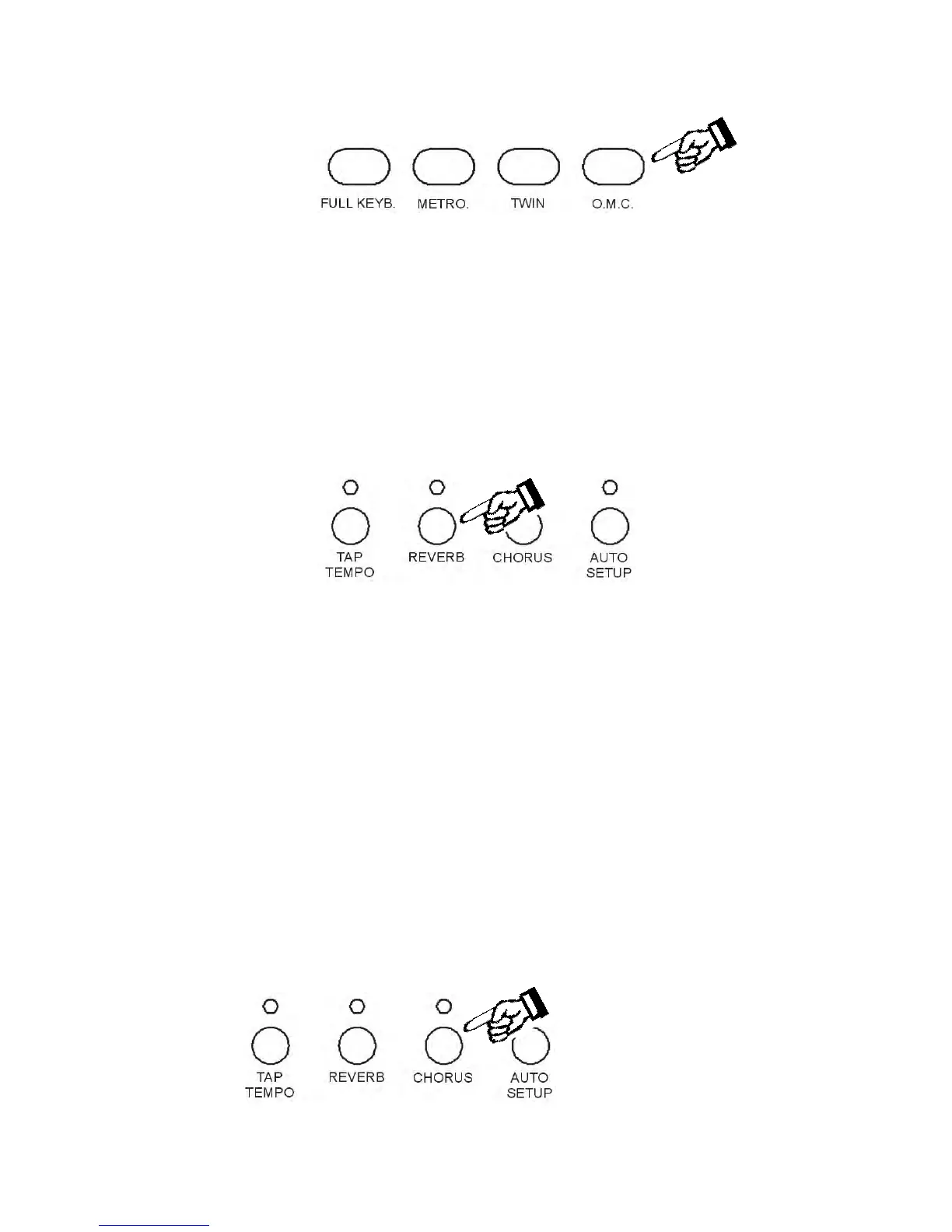
OMC
Whenever you play a chord with the left hand, this function adds a complete chord to the melody
line played with the right hand based on the left hand notes that are being played. It is intended to
convert a single note melody into a full chord.
When using the OMC it is important to play the lower manual in a legato fashion with sustained left
hand chords.
This feature provides a very full overall professional sound, however it has greater effect if it is not
used all of the time.
DIGITAL REVERB
Press the [REVERB] button to turn the REVERB effect ON or OFF.
While the Reverb setting is indicated on the display, the parameter can be changed. Use the [+/-]
buttons to select the desired REVERB settings. The display will indicate the available Reverb
types: REVERB OFF, Room1, Room2, Room3, HALL1, HALL2, Plate, Delay, Pan
Delay.
It is possible to adjust the Reverb effect for each section.
- Press [FUNCTION] button to select R1 RevVo? on the display and use the [+/-] buttons to
select R2 RevVo? or Lf RevVo? page.
- Press the [ENTER] button to select the Right 1 section.
- Use the [+/-] buttons or use the numeric key-pad buttons to change the Reverb value ( the
range is from 00 to 63).
- Press the [+/-] buttons at the same time to set the default value.
After a few seconds the display will go back to the normal display mode and the new Reverb
Value for Right 1 section is now saved.
CHORUS EFFECT
Press the [CHORUS] button to turn the CHORUS effect ON or OFF.



 To Next Page