15
SELECT A STYLE
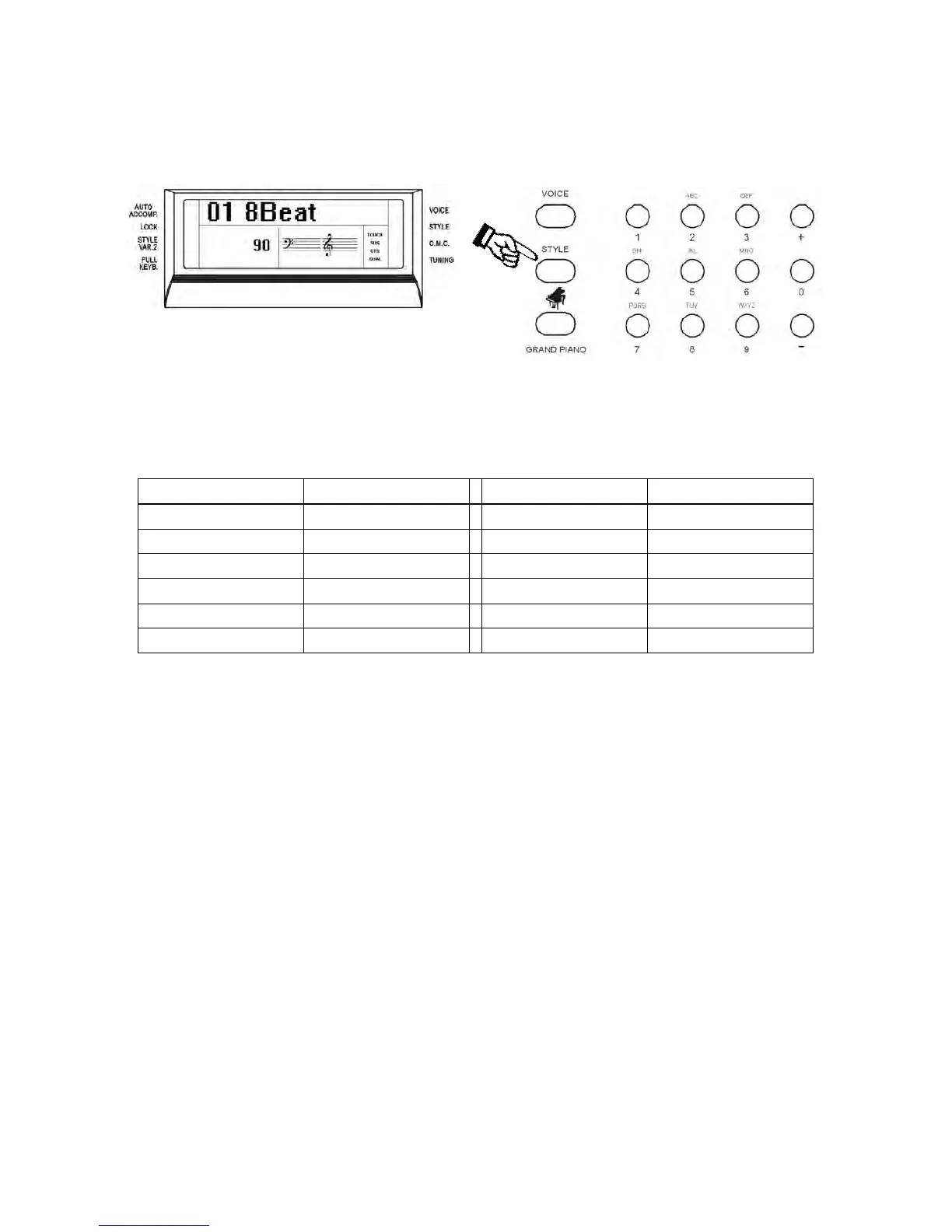
Press the [STYLE] button to enter the style select function. The current style number and name will
appear on the Display
Press the numeric key-pad buttons or the [+/-] buttons to select the desired style number with the
same system used to select the sounds.
You can see the complete Style List at the end of this manual.
The Styles are listed in groups according to the following table:
01 – 12 8 Beat 108 – 117 Blues & Gospel
13 – 20 16 Beat 118 – 136 Country
21 – 32 Ballad 137 – 158 Latin 1
33 – 43 Dance 159 – 182 Latin 2
44 – 56 Disco 183 – 212 Ballroom
57 – 86 Big Band & Swing 213 – 241 World
87 – 107 Rock & Boogie 242 – 260 Waltz
AUTO CHORD RECOGNITION
When playing the Auto accompaniment it is possible to change chords using one or more fingers
without selecting the One Finger Note system or the Multi Finger Chord system. The internal
computer will automatically select it for you.



 To Next Page