25
REVERB AND CHORUS DEPTH
In this page you can adjust the reverb and chorus depth for the selected voice.
Press [FUNCTION] button to select R1 RevVo?, use [+/-] button to select R2 RevVo?, LF
RevVo?, R1 ChrVo?, R2 ChrVo?, Lf ChrVo?
R1 RevVo? Right 1 Voice Reverb Depth
R2 RevVo? Right 2 Voice Reverb Depth
Lf RevVo? Left Voice Reverb Depth
R1 ChrVo? R1 Voice Chorus Depth
R2 ChrVo? R2 Voice Chorus Depth
Lf ChrVo? Left Voice Chorus Depth
Press [ENTER] button to confirm, use [+/-] button to adjust the value: 00-63
To select the default value press the [+/-] buttons at the same time.
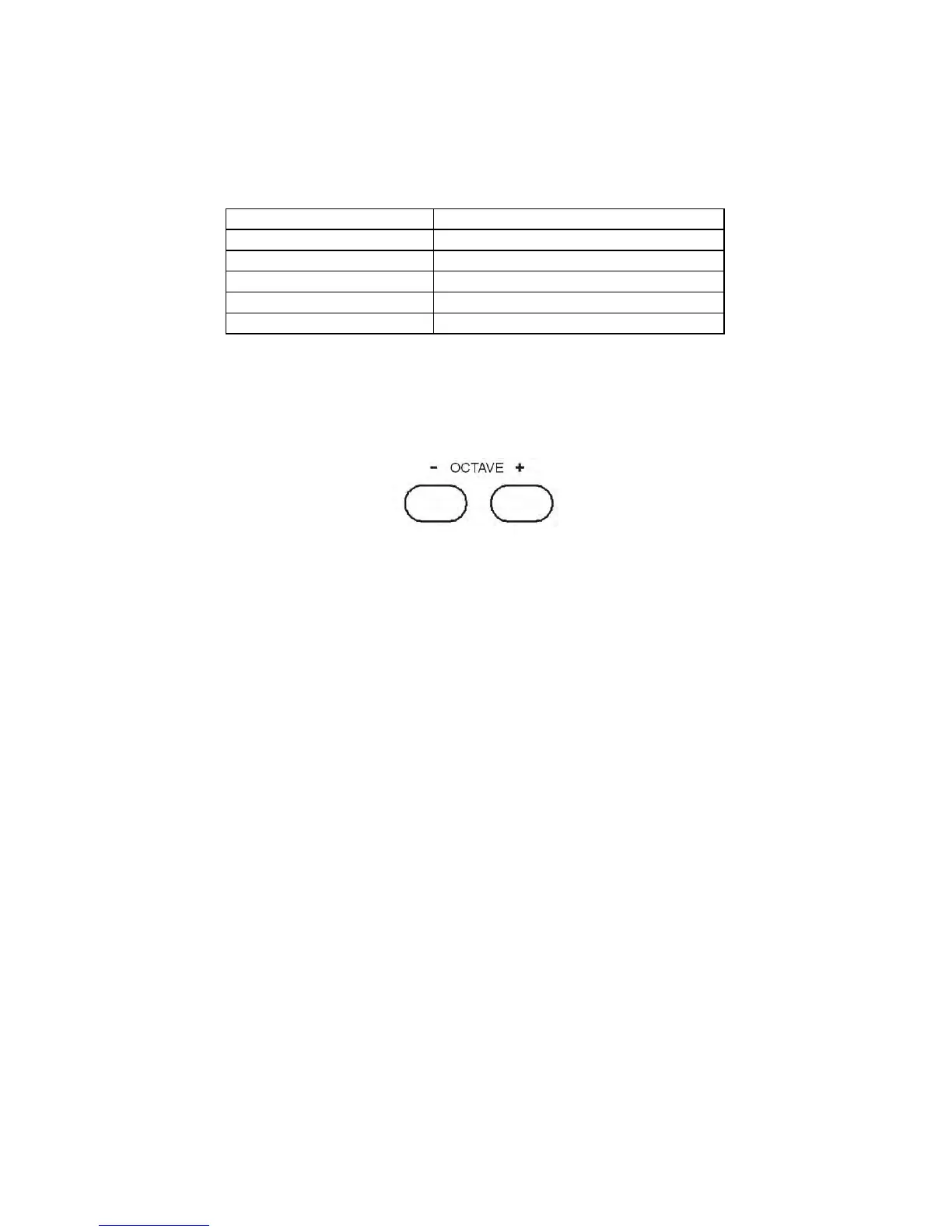
OCTAVE
It is possible to select a different octave for each section of the instrument.
To change the octave of RIGHT 1 section press the OCTAVE buttons when the Right 1 Led is On.
To change the octave of RIGHT 2 section press the OCTAVE buttons when the Right 2 Led is On.
To change the octave of LEFT section press the OCTAVE buttons when the Left Led is On.
To select the natural octave 0 (zero) press the [+/-] buttons at the same time.
SPLIT POINT
In this page, you can set the split point for your keyboard.
Press [FUNCTION] button to select “SplPoin”.
Press [ENTER] button to program the split point and use [+/-] button to set the split point. Range:
00-87.
The default value is 34 and it corresponds to G2.
MIDI R1
In this page, you can select MIDI settings.
Press [FUNCTION] button to select MIDI R1?, use [+/-] button to select MIDI R0, MIDI R2,
MIDI S0, MIDI S1, MIDI S2, MIDI S3.
Press [ENTER] to confirm, and use [+/-] button to set the parameters.
MIDI R0------Reception Disabled
MIDI R1------Reception Enabled, this setting is dedicated for computer interface (default mode).



 To Next Page