22
This enables the player to make changes to the melody part(s) of the music ‘on the fly’. The
accompaniment section will remain LOCKED, therefore all levels and other parameters pertaining
to this section will remain unchanged.
SAVE THE REGISTRATION MEMORIES ON USB DISK
It is possible to SAVE the Panel Memories Registrations Banks in the USB disk and save them in
the USB Disk following the instructions:
- Insert the USB Disk into the USB socket.
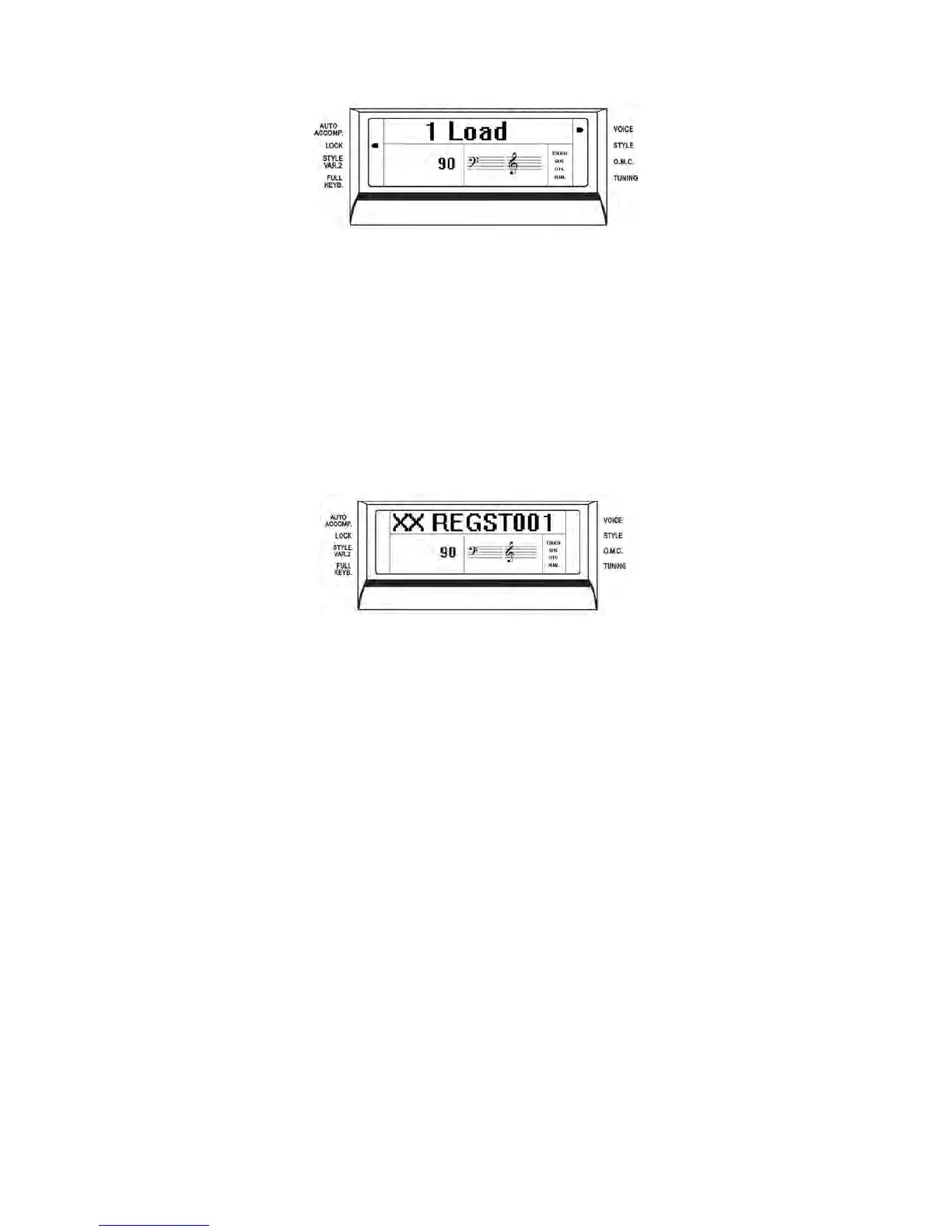
- Press [SAVE ] button and the display will show :
XX indicates the progressive file number
001 indicates the registration file number
- The display indicating your Panel Memory Registration Settings are saved into USB Disk,
with 20 Registration Memories stored to a single file.
New banks of Panel Memory Registration Settings can be stored in the USB disk and a new name
will be automatically assigned to each bank as follows:
01 REGST 001
02 REGST 002
03 REGST 003
… REGST ......
LOADING THE MEMORY REGISTRATIONS DATA FROM USB DISK
Insert the USB Disk into the USB socket.
Press and hold the [USB FILES] button to access the Setting files in the USB Disk. Select the
Setting page by pressing the number 3 button.
Use [+/-] button to select the desired Panel Memory Registration Setting file, then press
[PLAY/LOAD] button, display shows “Load OK”.
DELETE MEMORY REGISTRATIONS FROM USB
Insert the USB Disk into the USB socket. Press and hold the [USB FILES] button to access the
Setting files in the USB Disk. Select the Setting page by pressing the number 3 button.



 To Next Page