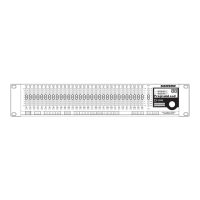
Now that you have enabled the D3500 for D-Net, as
described in the previous section, you can select addition-
al MIDI parameters that may be necessary for your exact
application or system set-up. The D3500’s MIDI has three
basic modes of operation Channel, Omni and System
Exclusive and Program. The D3500 can operate in any of
One of the most used MIDI modes is Channel MIDI, which
allows you to assign up to sixteen different devices to indi-
vidual MIDI channels 1 through 16.
You can program the D3500 to receive MIDI messages on
a specific MIDI channel by following the next step:
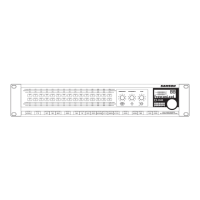
• Press the MIDI switch until that LCD reads M: Channel 1.
• Use the Data Wheel to select M:
You can program the D3500 to receive MIDI messages in
Omni mode by following the next steps.
• Press the MIDI switch until that LCD reads OMNI.
• Use the Data Wheel to select Omni ON.
Selecting MIDI System Exclusive Mode
You can program the D3500 to receive or transmit MIDI
System Exclusive messages. Program the D3500 for System
Exclusive operation by following these simple steps:
• Press the MIDI switch until that LCD reads
access the MIDI System Exclusive menu.
• Now, select one of the transmit and receive modes.
• If you want the D3500 to transmit system exclusive mes
sages, use the Data Wheel to select Sys Ex. TR.
• In order to set the D3500 to receive system exclusive
messages, use the Data Wheel to select
• If you want the D3500 to receive and transmit system
exclusive messages, use the Data Wheel to select
• Use the Data Wheel to select
and the D3500 will not transmit or receive any system
Selecting MIDI Program Change
You can program the D3500 to receive or transmit MIDI
Program messages. Program the D3500 for MIDI Program
Change operation by following these simple steps.
• Press the MIDI switch until that LCD reads Pgm Ch. to
access the MIDI Program Change menu.
• Now, select one of the transmit and receive modes.
• If you want the D3500 to transmit system exclusive mes-
sages, use the Data Wheel to select
• In order to set the D3500 to receive system exclusive
messages, use the Data Wheel to select
• If you want the D3500 to receive and transmit system
exclusive messages, use the Data Wheel to select
• Use the Data Wheel to select
and the D3500 will not transmit or receive any system
D3500_ownman_v1_2.indd 18 9/4/05 5:20:14 PM


 To Next Page