Copyright 2005, Samson Technologies Corp.
Samson Technologies Corp.
Phone: 1-800-3-SAMSON (1-800-372-6766)
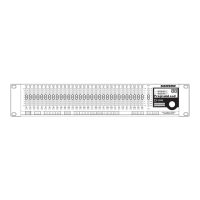
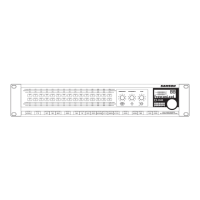
Navigating the D3500 Control
Using the Left, Right and Link Control Switches
Using the D3500 to Reduce Feedback
Operating the D3500 10 - 15
Using the Filter Control Knobs 1
Using the Processing Switches 1
Using the Feed Back Mode 1
Using the Internal Noise GATE 1
Using the LIMITER for Basic Speaker Protection 1
Setting an EQ Contour Using the HP / LP 1
Storing Programs in the D3500 1
Loading Programs in the D3500 1
Loading Presets with the MASK function 1
Setting the D3500 to Transmit and Receive MIDI 1
Selecting a MIDI Channel 1
Using the D3500 with Active Speakers 1
Using the D3500 with Passive Speakers 1
Using the D3500 in Insert Points 2
Using the D3500 for Mains and Monitors 2
Using Two D3500’s for Mains and Monitors 2
Installing the Optional AI 02, Analog Input / Output 2
D3500_ownman_v1_2.indd 1 9/4/05 5:19:57 PM


 To Next Page