ENGLISH
FRANÇAISDEUTSCHEESPAÑOLITALIANO
9
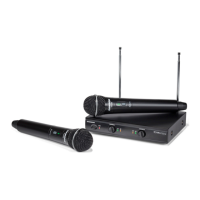
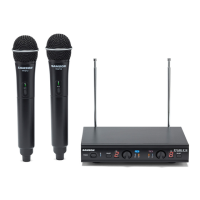
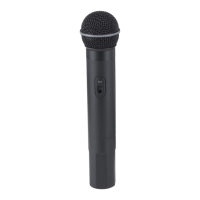
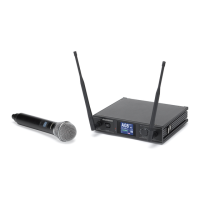
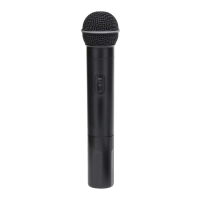
Stage v266: Dual Handheld Wireless
Follow these basic procedures for setting up and using your Stage v266 Series Wireless System.
1. Connect the SR266 receiver power
adaptor to the rear panel DC input, and
then to an electrical outlet.
2. Connect the receiver’s appropriate ¼” output to the input of a mixer, stereo, karaoke machine,
or any other line level input (see below).
Use the included ¼” to ¼” cable to connect
the SR266 receiver to a mixer.
Use the included ¼” to dual RCA cable to
connect the SR266 recevier to a stereo or
other HI-FI device.
Quick Start Guide
5. Installing a 9-volt battery into the receiver.
3. Plugging the receiver into a stereo using the 1/4" - RCA cable.
4. Plugging the receiver into a Karaoke machine using 1/4" - 1/4" cable.
5. Installing a 9-volt battery into the receiver.
3. Plugging the receiver into a stereo using the 1/4" - RCA cable.
4. Plugging the receiver into a Karaoke machine using 1/4" - 1/4" cable.


 To Next Page