8-2 EB 5573 EN
Setup
8.2 Schedules
The controller operates according to the schedules in automatic mode.
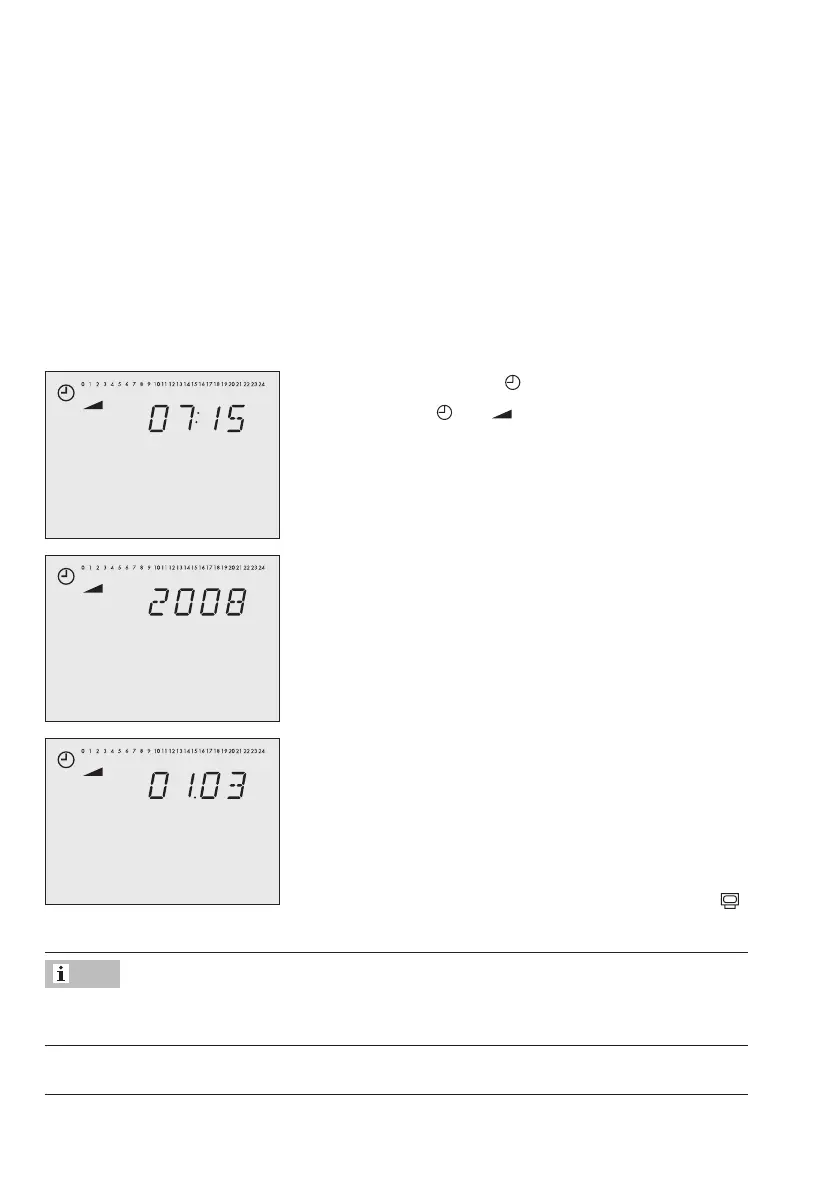
8.2.1 Setting the time and date
The current time and date need to be set immediately after start-up and after a power failure
lasting more than 24 hours. This is the case when the time blinks on the display.
How to proceed:
1. Turn the rotary switch to (controller time).
Reading: Time,
and blink.
2. Change the time [q].
3. Conrmthetimesetting[Û].
Reading: Year
4. Change year [q].
5. Conrmyear[Û].
Reading: Date (day.month)
6. Change date [q].
7. Conrmthedatesetting[Û].
Reading: Time
8. Turn the rotary switch back to normal switch position
(information level).
The correct time is guaranteed after a power failure of 24 hours. Normally, the correct time
is still retained at least 48 hours after a power failure.
Note



 To Next Page