8-4 EB 5573 EN
Setup
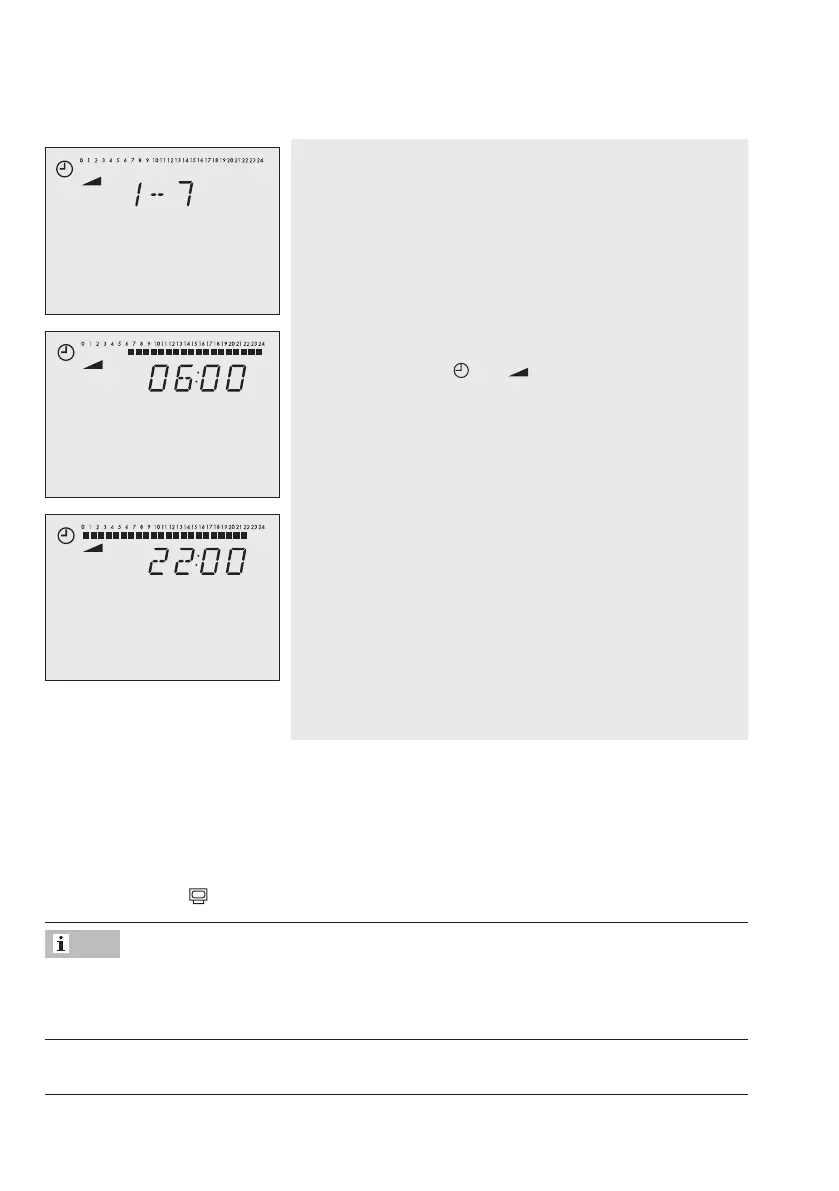
6. Selectperiod/dayforwhichthetimes-of-usearetobe
valid [q].
1-7=daily
1=Monday,2=Tuesday,…,7=Sunday
START
7. Activateeditingmodefortheperiod/day[Û].
Reading: START,
and blink.
8. Change start time [q].
The time is set in steps of 15 minutes.
STOP
9. Conrmthestarttimesetting[Û].
Reading: STOP
10. Change stop time [q].
The time is set in steps of 15 minutes.
11. Conrmthestoptimesetting[Û].
Reading: START
Thedisplayedtimeisthestoptimeofthersttime-of-
useperiodplus15minutes.
Î To set the second and third times-of-use periods, repeat steps 8 to 11.
Î Ifnofurthertimes-of-usearetobeprogrammedfortheselectedtimeperiod/day,exitthe
menubyconrmingtheindicatedstarttimetwice(2x[Û]).
Î For programming every day separately, repeat steps 6 to 11.
12. Once you have programmed all times-of-use: Turn the rotary switch back to normal
switch position
(information level).
Do not use the 1–7 menu to check the programmed times-of-use. If this menu is opened after
the times-of-use have been programmed, the schedule programmed for Monday is also ad-
opted for all other days of the week.
Note



 To Next Page