8-6 EB 5573 EN
Setup
Parameters Default Level: value range
Public holidays – Extended information level: 01.01 to 31.12
How to proceed:
1. In the extended information level (normal switch posi-
tion
) select the data point for public holidays [q].
Reading:
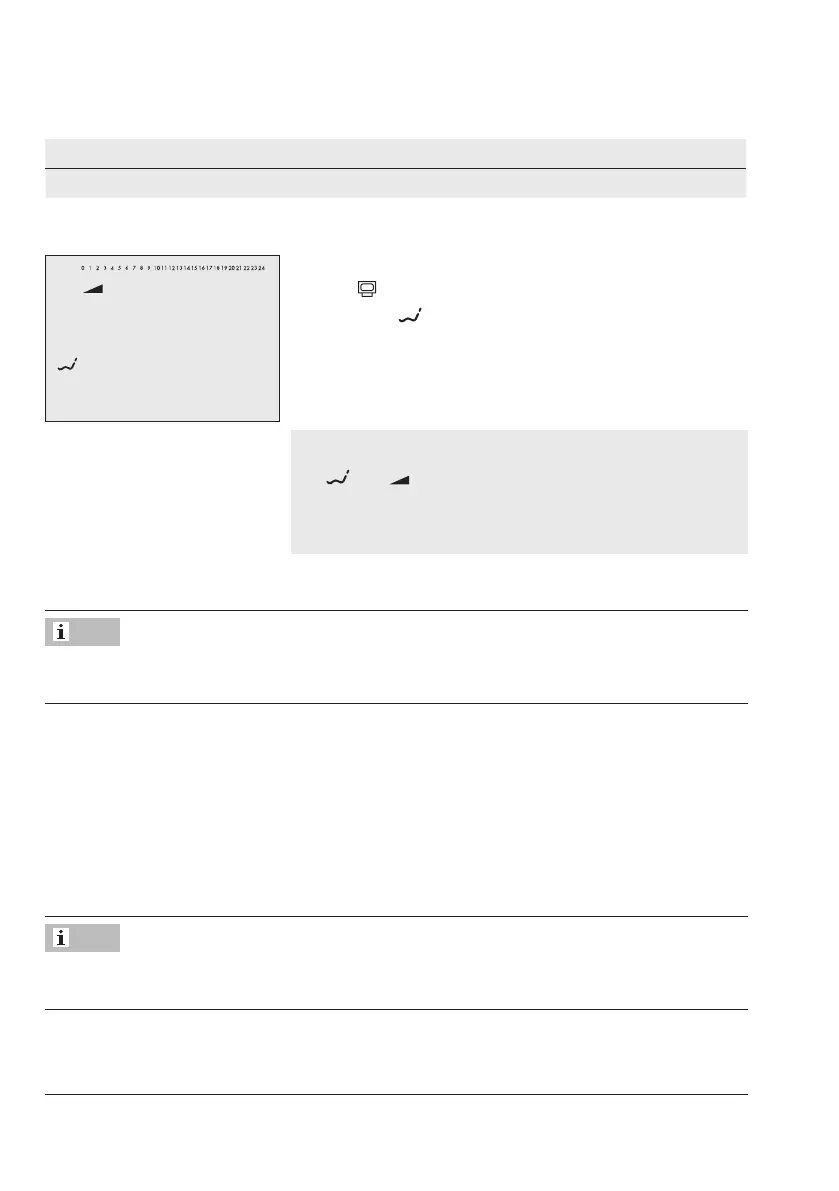
2. Open data point for public holidays.
3. Select – –.– – on the display [q] (if applicable).
4. Activate editing mode for public holidays [Û].
and blink.
5. Select public holiday [q].
6. Conrmthepublicholidaysetting[Û].
Î To enter additional public holidays, re-select – –.– – and repeat the steps 4 to 6.
Public holidays can also be entered in PA5 parameter level (see the 'Start-up and congura-
tion' chapter).
Deleting a public holiday
1. Under data point for public holidays, select the holiday you wish to delete [q].
2. Conrmsetting[Û].
3. Select – –.– – on the display [q].
4. Conrmsetting[Û].
The public holiday is deleted.
We recommend deleting public holidays that are not assigned to a specic date by the end
of the year. Otherwise, the public holidays are automatically carried over to the next year.
Note
Note



 To Next Page