8-8 EB 5573 EN
Setup
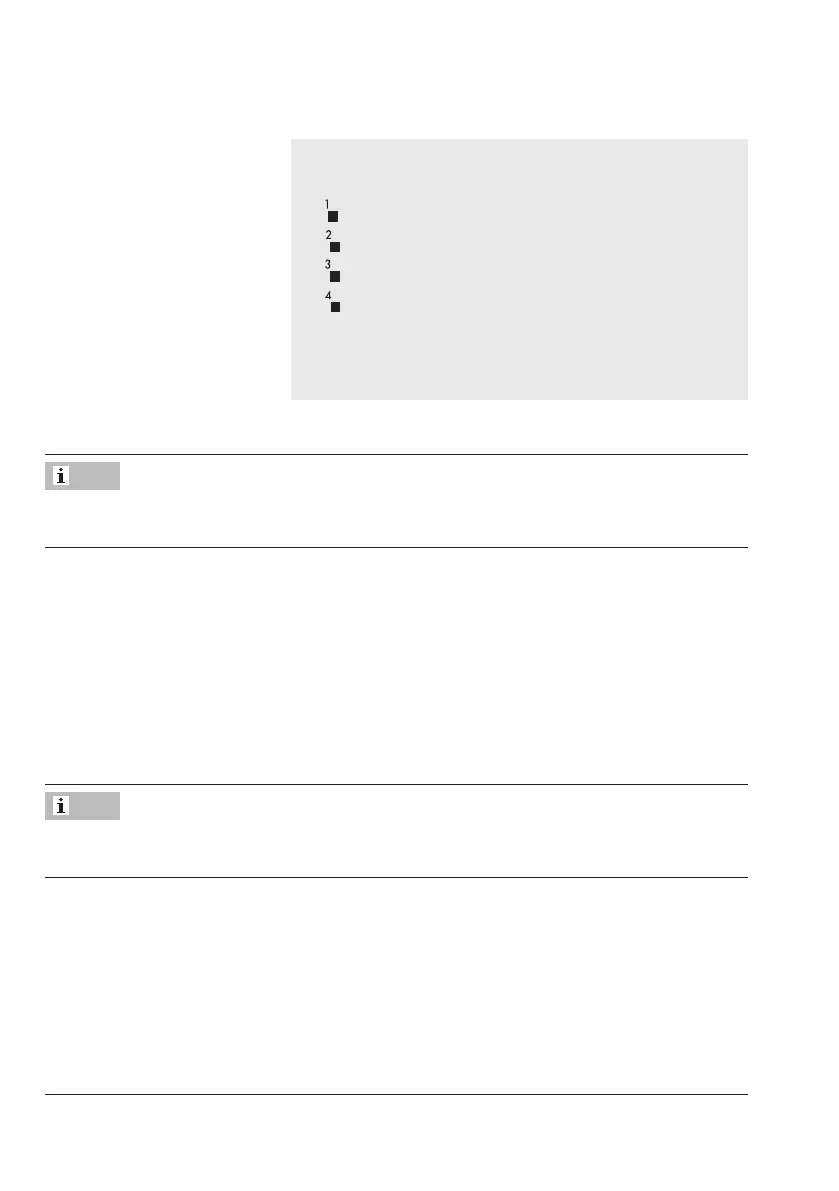
9. Select the control circuit to which the current vacation
period is to apply [q]:
: Current vacation period applies to heating circuit 1
: Current vacation period applies to heating circuit 2
:–
: Current vacation period applies to DHW circuit
The vacation period can be assigned to a single control
circuit or any combination of all three control circuit
(RK1 and RK2, DHW circuit).
Î To enter additional vacation periods, re-select – –.– – and repeat the steps 4 to 9.
Vacations can also be entered in PA5 parameter level (see the 'Start-up and conguration'
chapter).
Deleting vacations
1. Under data point for vacations, select the start date of the vacation period you wish to
delete [q].
2. Conrmsetting[Û].
3. Select – –.– – on the display [q].
4. Conrmsetting[Û].
The vacation period is deleted.
We recommend deleting vacation periods by the end of the year. Otherwise, the vacation
periods are automatically carried over to the next year.
Note
Note



 To Next Page