58
Connecting and Using a Source Device
2
2 Connecting and Using a Source Device
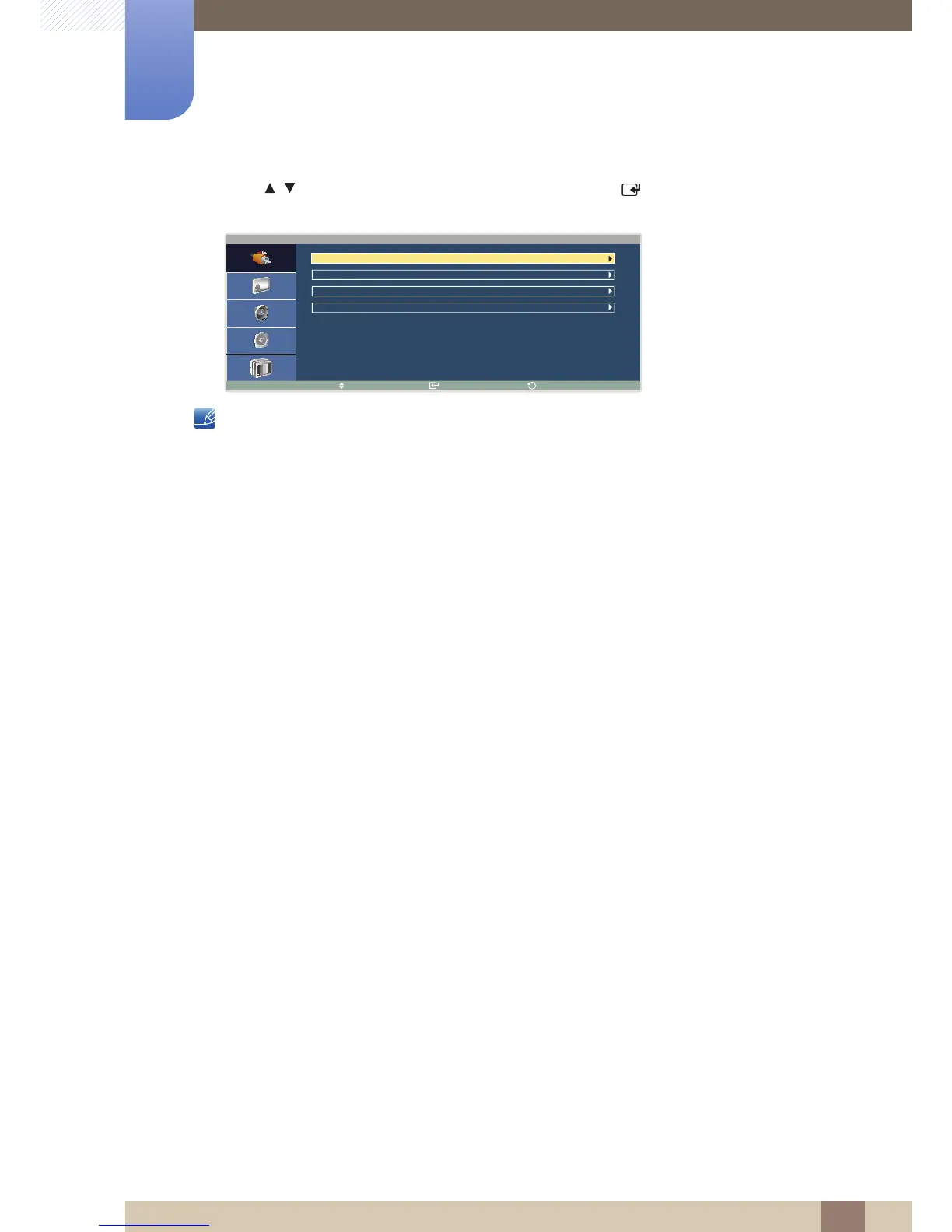
5 Press / to move to the source device you want and press [ ]. The name of the selected
source device will be displayed as shown below.
Available settings in the Picture menu depend on the current source and settings made in Edit Name.
(Refer to page 94 for details about the Picture menu.)





 To Next Page