Screen Adjustment
4
4 Screen Adjustment
z Gamma(Natural/Mode1/Mode2/Mode3)
Adjust the mid-range brightness (Gamma) of the picture.
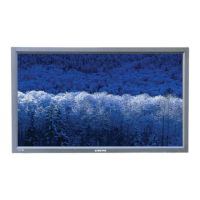
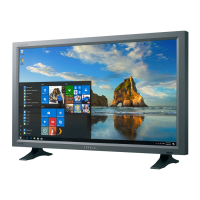
Natural displays the original picture. Mode1 displays the picture brighter than Natural mode.
Mode2 displays the screen darker than Mode1. Mode3 displays dark parts darker and bright parts
brighter.
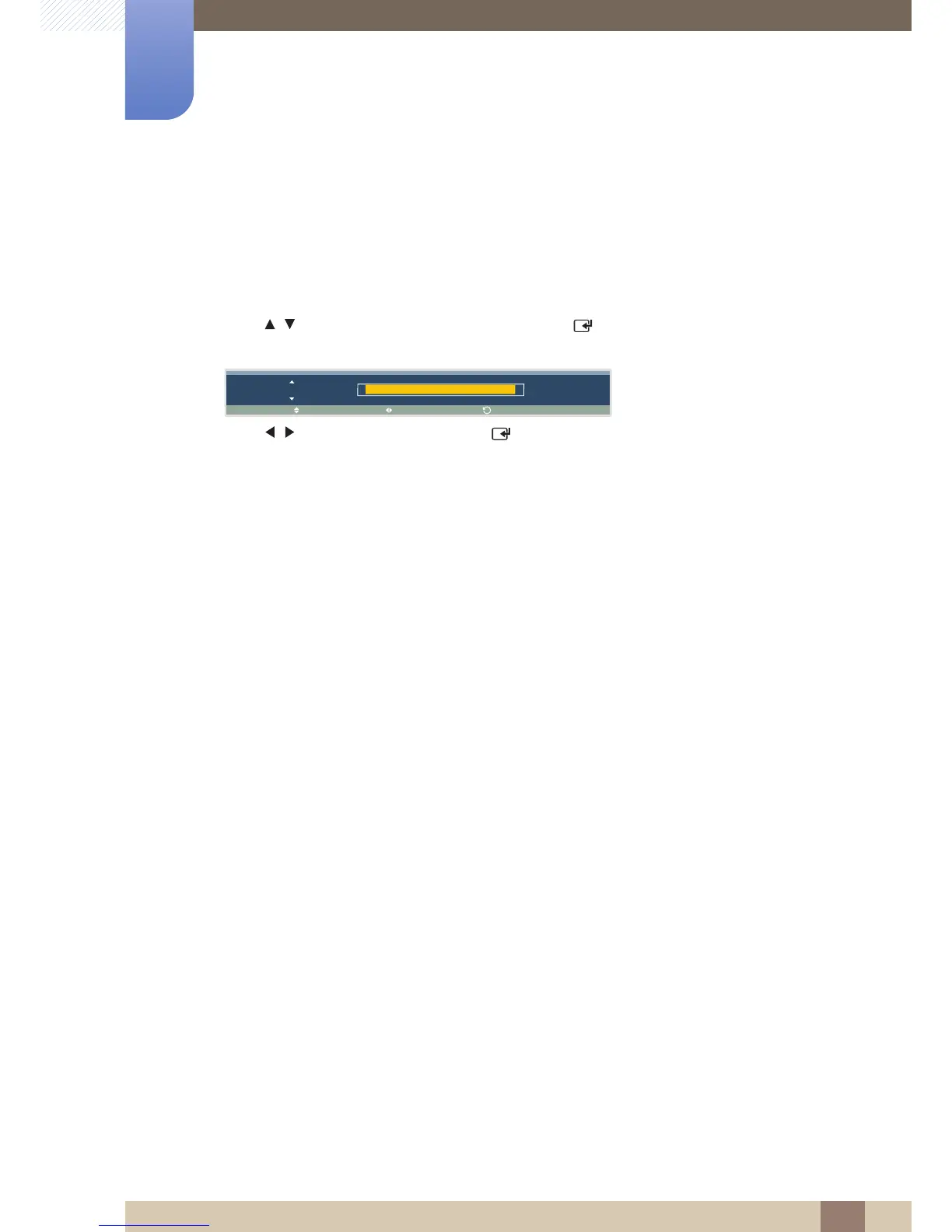
1 Press / to move to the option you want and press [ ]. A window will appear where you can
adjust the value for the selected option.
2 Press / to adjust the value and press [ ]. The change will be applied.





 To Next Page