98
Screen Adjustment
4
4 Screen Adjustment
If the input source is AV, Component or TV:
z Contrast
Adjust the contrast between the objects and background. (Range: 0~100)
A higher value will increase the contrast to make the object appear clearer.
z Brightness
Adjust the general brightness of the picture. (Range: 0~100)
A higher value will make the picture appear brighter.
z Sharpness
Make the outline of objects more clear or blurry. (Range: 0~100)
A higher value will make the outline of objects clearer.
z Color
Increase or decrease the color intensity. (Range: 0~100)
A higher value will increase the color intensity.
z Tint
Adjust the intensity of the red and green colors. (Range: 0~100)
Increasing the red level will make the red color more prominent in the picture. Increasing the green
level will make the green color more prominent in the picture.
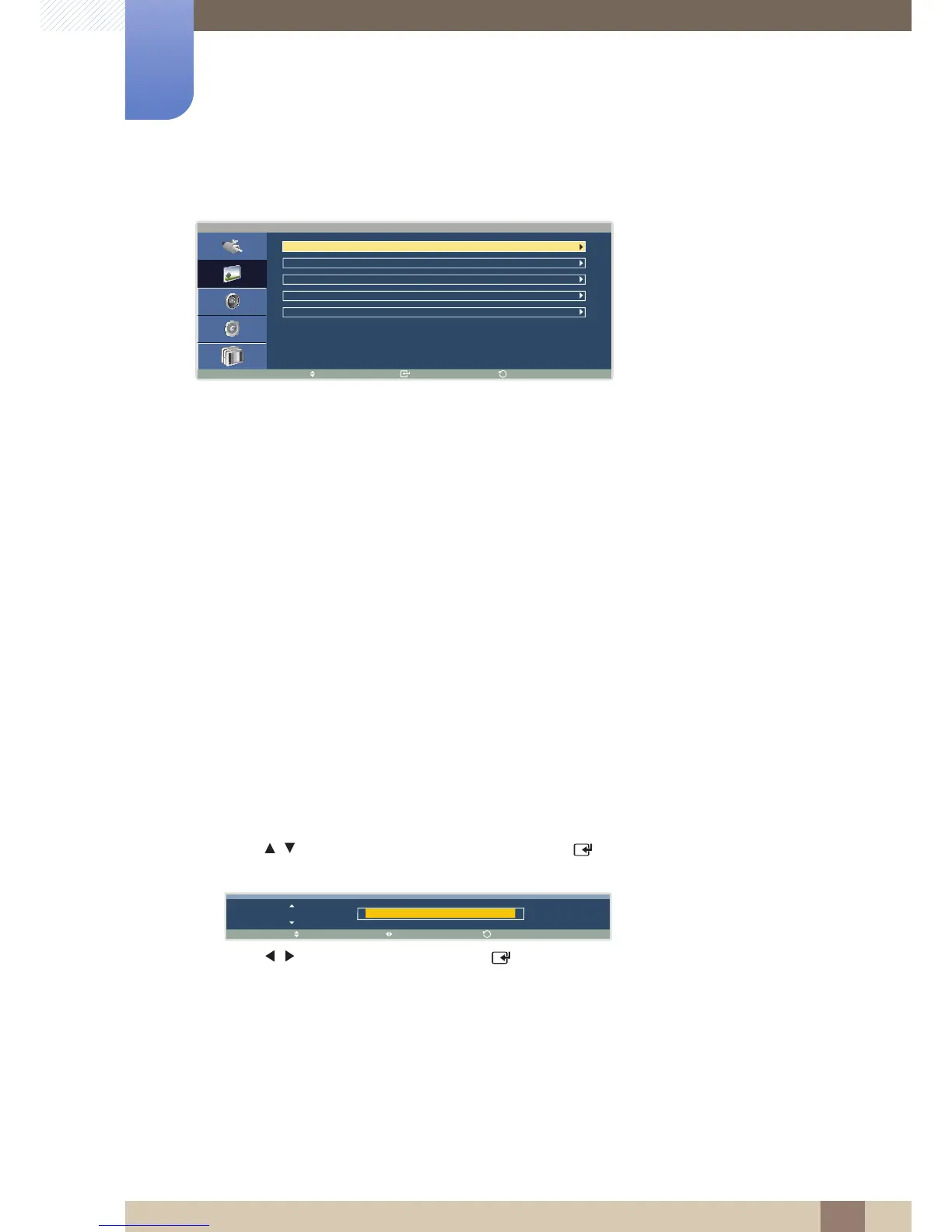
1 Press / to move to the option you want and press [ ]. A window will appear where you can
adjust the value for the selected option.
2 Press / to adjust the value and press [ ]. The change will be applied.





 To Next Page