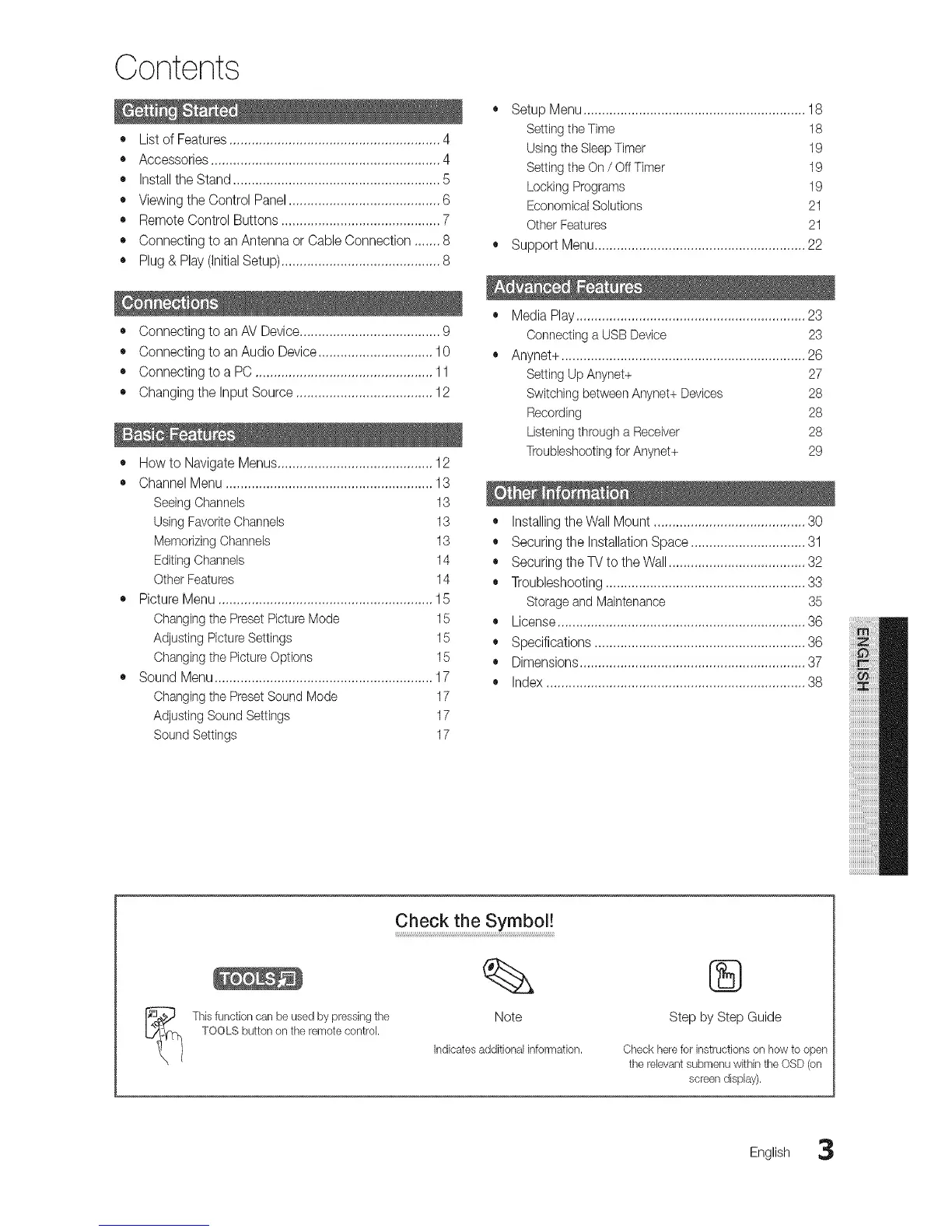
Contents
o
• List of Features ......................................................... 4
• Accessories .............................................................. 4
• Install theStand ........................................................ 5
• Viewing the Control Panel ......................................... 6
• Remote Control Buttons ........................................... 7
• Connecting to an Antenna or Cable Connection ....... 8 •
• Plug & Play (Initial Setup) ........................................... 8
• Connecting to an AV Device...................................... 9
• Connecting to an Audio Device ............................... 10
• Connecting to a PC ................................................ 11
• Changing the Input Source ..................................... 12
• How to Navigate Menus.......................................... 12
• Channel Menu ........................................................ 13
Seeing Channels 13
Using FavoriteChannels 13
Memorizing Channels 13
Editing Channels 14
Other Features 14
• Picture Menu .......................................................... 15
Changing the Preset PictureMode 15
Adjusting Picture Settings 15
Changing the PictureOptions 15
• Sound Menu ........................................................... 17
Changing the PresetSound Mode 17
Adjusting Sound Settings 17
Sound Settings 17
SetupMenu............................................................18
Setting the Time 18
Usingthe Sleep Timer 19
Setting the On / Off Timer 19
Locking Programs 19
Econombal Solutions 21
Other Features 21
Support Menu......................................................... 22
• Media Play .............................................................. 23
Connecting a USB Device 23
• Anynet+ .................................................................. 26
Setting Up Anynet+ 27
Switching between Anynet+ Devices 28
Recording 28
Listeningthrough a Receiver 28
Troubleshootingfor Anynet+ 29
• Installing theWall Mount ......................................... 30
• Securing the Installation Space ............................... 31
• Securing the TV to the Wall ..................................... 32
• Troubleshooting ...................................................... 33
Storage and Maintenance 35
• License ................................................................... 36
• Specifications ......................................................... 36
• Dimensions ............................................................. 37
• Index ...................................................................... 38
Thisfunctioncanbe usedbypressingthe
TOOLSbuttononthe remotecontrol.
Check theSy mb oI!
Note
indicatesadditionalinformation.
®
Step by Step Guide
Checkhereforinstructionson howto open
therelevantsubmenuwithinthe OSD(on
screendisplay).
English 3




 To Next Page