Other Information
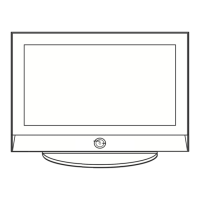
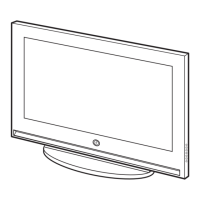
Caution: Pulling,pushing, or climbing on theW may cause the TV to fall. Inparticular,ensure your children do
not hang over or destabilizetheW. Doing so may causethe TVto tip over, causing serious injuriesor death.
Followall safety precautions provided in the included Safety Flyerwith your TV.For added stability and safety,
you can purchase and installthe anti fall device as described below.
The TV-Holder Kit (Sold Separately):
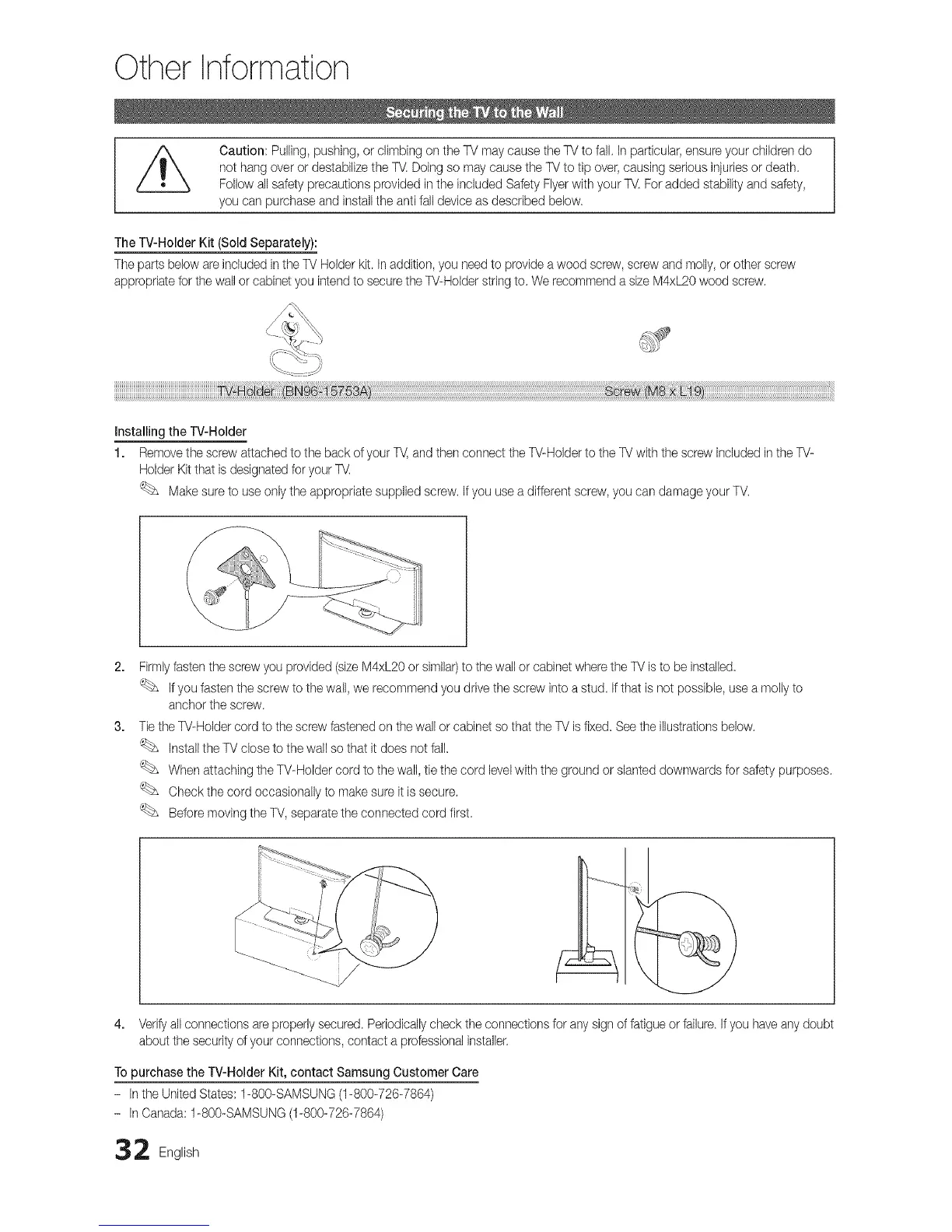
The parts below areincluded in theTV Holder kit. Inaddition, you needto providea wood screw, screw and molly,or other screw
appropriate for the wall or cabinet you intendto securethe W-Holder stringto. We recommenda size M4xL20wood screw.
Installing the TV-Holder
1. Removethe screw attachedto the back ofyour TV,and then connect the TV-Holder tothe TVwith the screw included inthe TV-
Holder Kitthat is designatedfor your TV.
Makesure to useonly the appropriate supplied screw. If you use adifferent screw,you can damage your TV.
Firmlyfastenthe screw you provided (size M4xL20or similar)to thewall or cabinet wherethe TVisto be instalbd.
Ifyou fastenthe screw to the wall,we recommend you drive the screw into a stud. If that is not possible, use a molly to
anchor the screw.
Tie the TV-Holdercord to the screw fastenedon thewall or cabinet so that the TV isfixed. See the illustrationsbelow.
Installthe TV close to the wall so that it does not fall.
When attaching the TV-Holder cord to the wall,tie the cord levelwith the ground or slanted downwards for safety purposes.
Checkthe cord occasionally to make sure it issecure.
Before moving the TV,separatethe connected cord first
4. Verifyall connections areproperlysecured. Periodicallycheckthe connections for any signof fatigue or failure.Ifyou haveany doubt
about the security ofyour connections, contact a professionalinstaller.
To purchase the TV-Holder Kit, contact Samsung Customer Care
- Inthe UnitedStates: f-800-SAMSUNG (1-800-726-7864)
- InCanada: f-800-SAMSUNG (1-800-726-7864)
2 English




 To Next Page