English-10
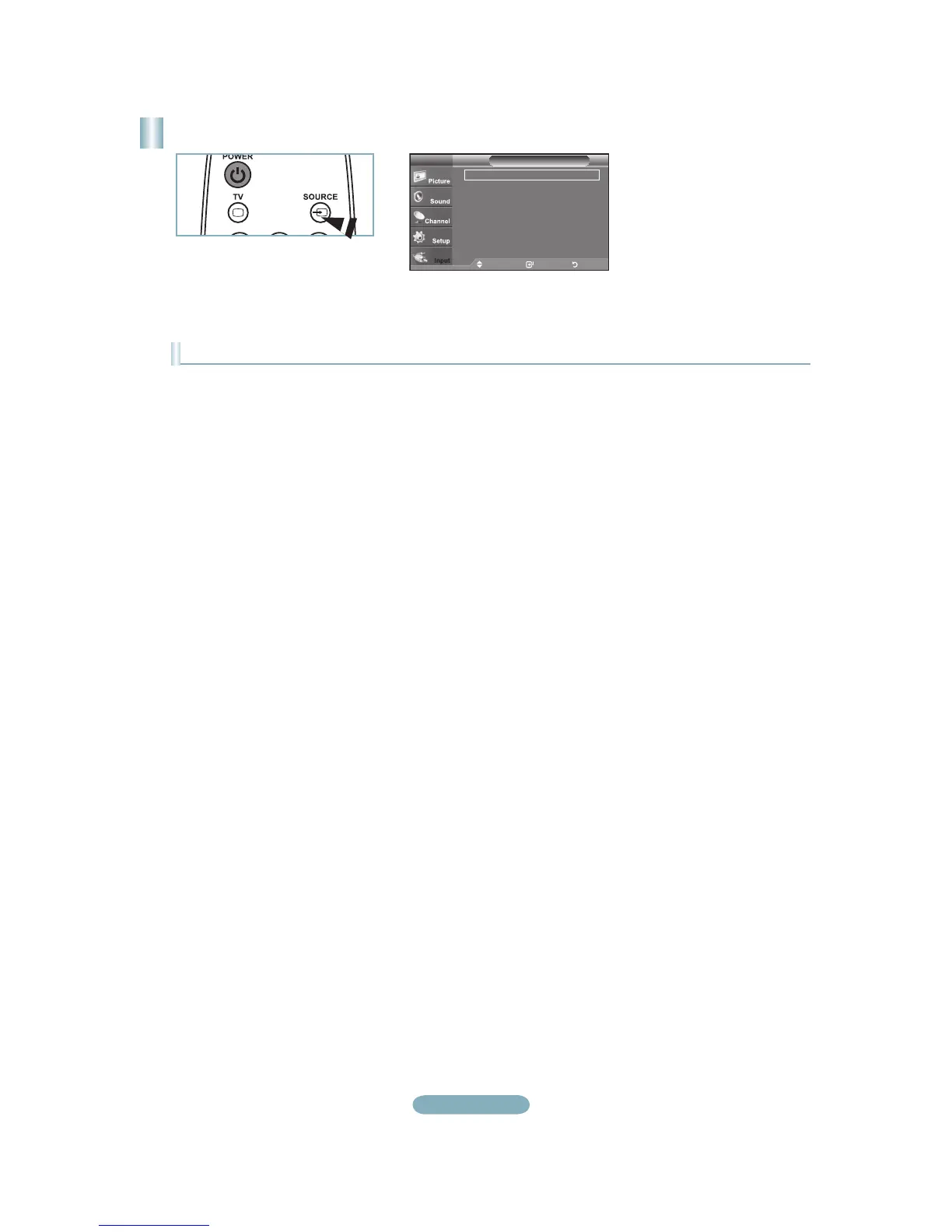
To Select the Source
Press the SOURCE button on the Remote Control
You can select the TV mode or an input source connected to the TV set. Use this button to choose an input source that you
would like to watch.
Available signal sources: TV, AV, S-Video, Component, PC, HDMI.
You can choose only those external devices that are connected to the TV.
°
°
Source ListTV
Move Enter Return
TV
AV : ----
S-Video : ----
Component : ----
PC : ----
HDMI : ----



 To Next Page