Setting Up Your Printer 2-9
Installation Procedure
Before you start, make sure that your computer meets or exceeds the
system requirements for the driver and application program you
want to install.
In Windows 95/98/NT 4.0
1. Insert the CD-ROM into your CD-ROM drive.
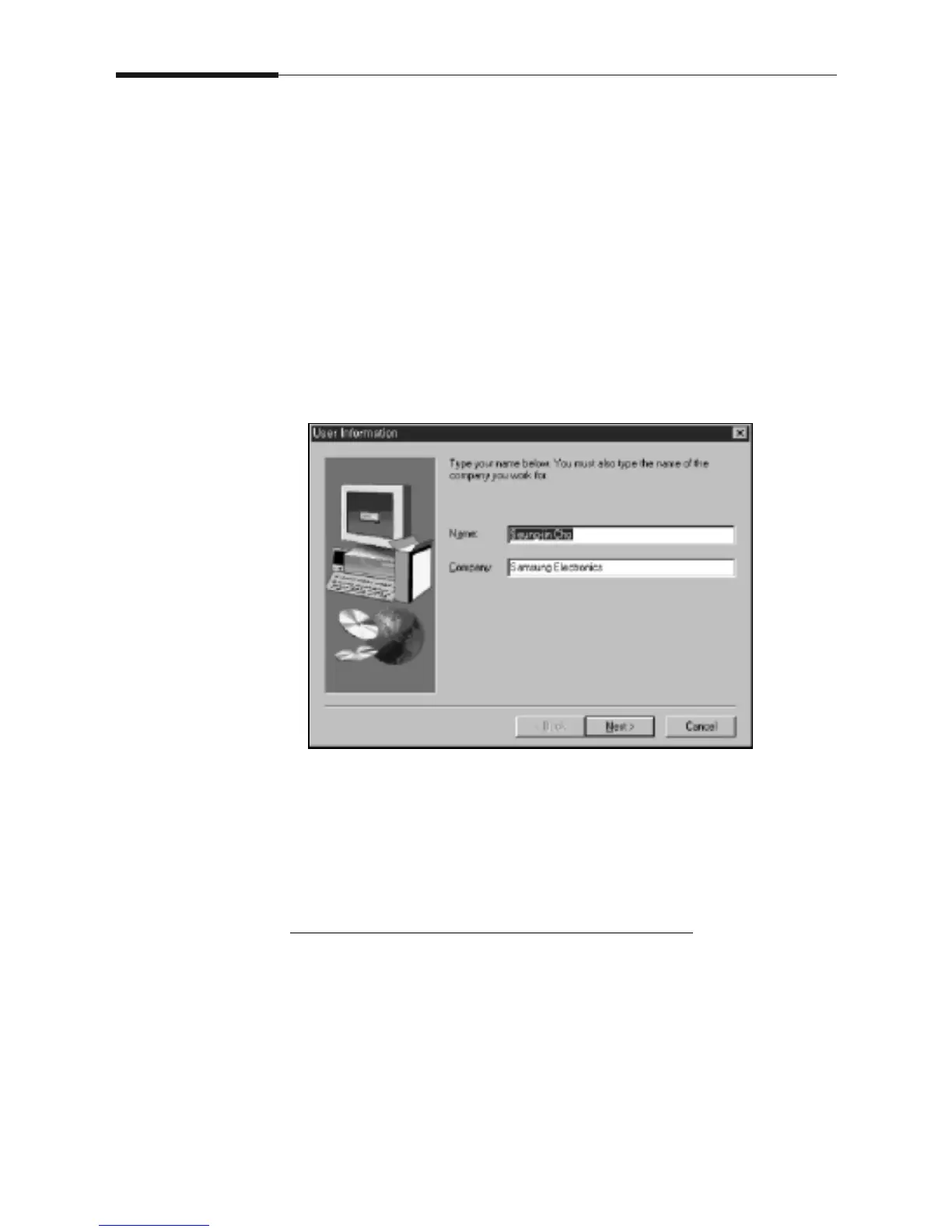
2. Type in the user name and company. Then click on the Next
button.
3. Select the model to install. Then click on the Next button.
4. Follow the instructions on the screen.
IF WINDOWS DOES NOT RUN THE CD-ROM
1. Insert the CD-ROM into your CD-ROM drive.
2. Select Run from the Start menu.
3. Type d: (or e:) \setup.exe on the command line, then click on the
OK button.
4. Follow the instructions on the screen.











 To Next Page