13
Icons
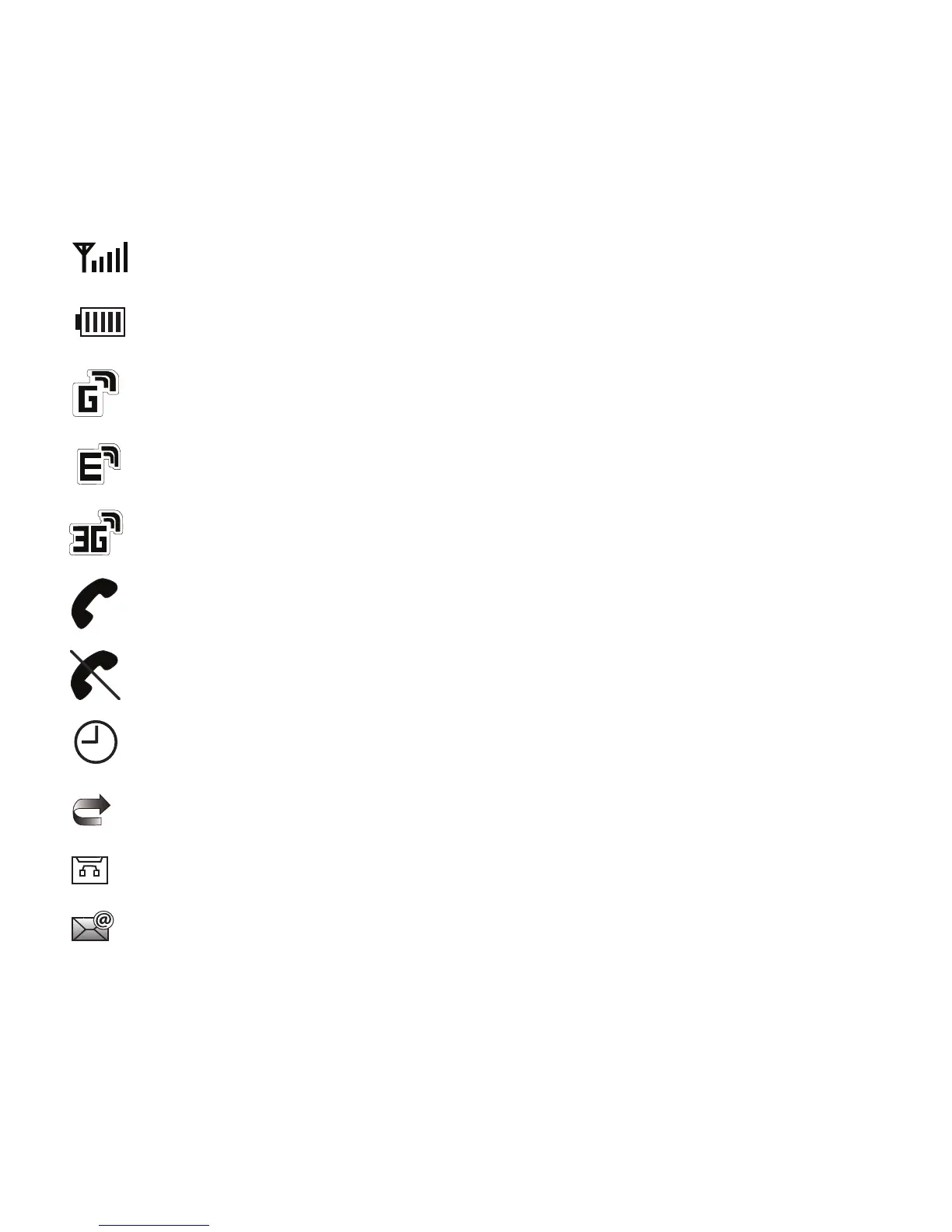
Shows the received signal strength. The greater the number of bars, the stronger the signal.
Displays the level of your battery. The more bars you see, the more power you have remaining.
Displays when the phone is accessing services in a GPRS network. When data is being transferred,
this icon animates.
Displays when the phone is accessing services in an EDGE network. When data is being transferred,
this icon animates.
Displays when the phone is accessing services in a 3G (UMTS) network. When data is being
transferred, this icon animates.
Displays when a call is in progress.
Displays when there is no network coverage available. When you are out of the service area, you cannot
make or receive voice calls.
Displays when an alarm is set on your phone.
Displays when your incoming phone calls are being forwarded to another number.
Displays when you receive new voice mail message.
Displays when you receive an email message.











 To Next Page