17
End Key
Use the End key to turn on/off your phone, disconnect calls, and return to the idle mode.
•
Press and hold the
End
key to turn on/off your phone.
•
Briefly press once to disconnect a call.
•
Press to return to idle mode from any menu.
Send Key
Use the Send key to answer calls, dial calls, and to recall the last number(s) dialed, received, or missed.
•
Press once to answer calls.
•
Enter a number and briefly press to make a call.
•
Briefly press in idle mode to display a list of recent calls to and from your phone.
•
Press twice in idle mode to call the most recent number.
•
Press to pick up a waiting call.
•
Press and hold to turn on your phone when the phone is off.
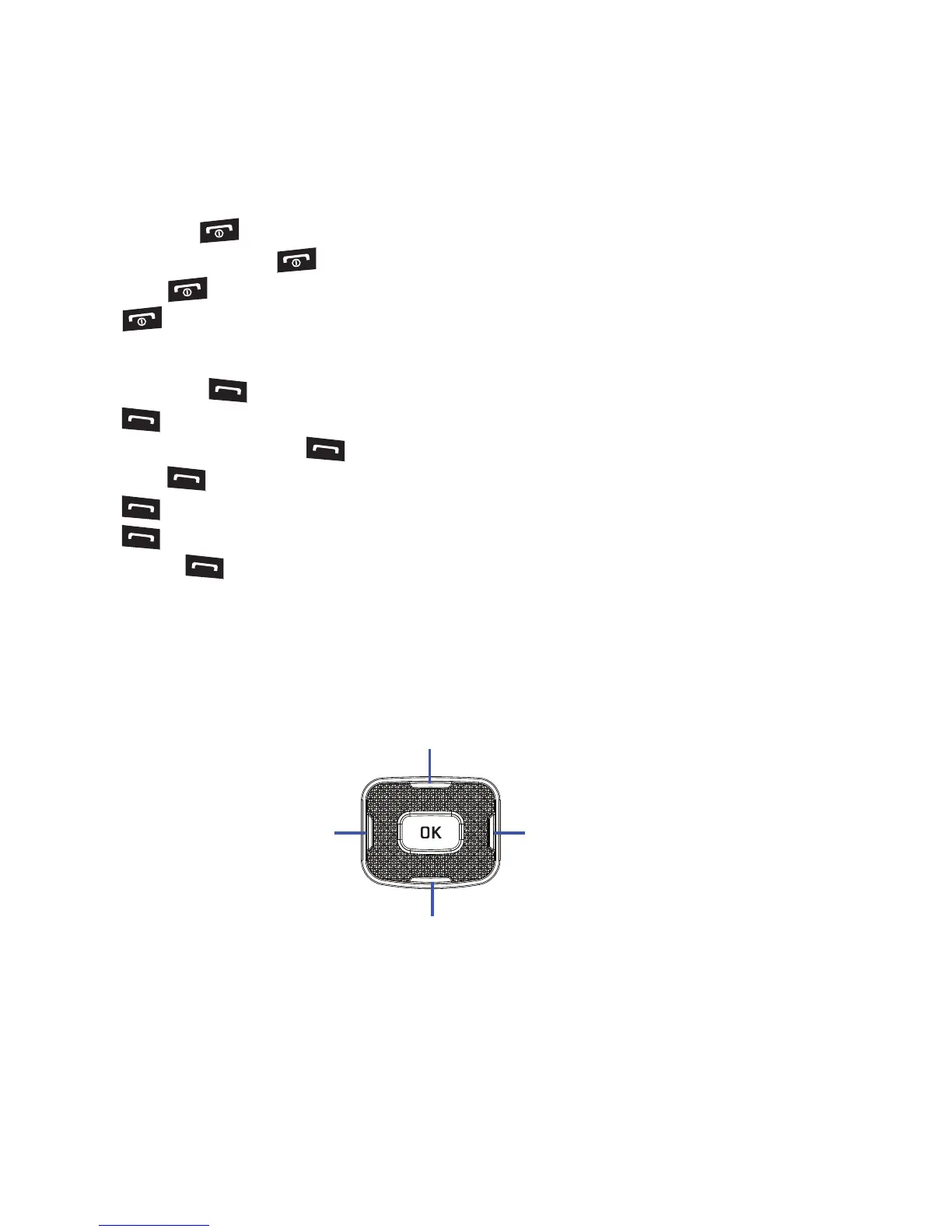
Navigation Key
Use the directional keys on the Navigation key to browse menus, sub menus, and lists. Press the Up or Down
Navigation keys when jumping to highlighted links on the web.
Each key also acts as a shortcut to launch applications from the Idle screen.











 To Next Page