Tools 78
The other functions you can use are:
•
Call
: make or receive a call (music player is paused)
•
Messaging
: send or receive a text or multimedia message. Music continues to play unless an audio/video clip is received
as a part of a multimedia message.
•
Browser
: allows you to connect to the browser.
•
Games
: lets you play games while listening to music.
Note:
Playing music and pausing the music player uses the same amount of battery.
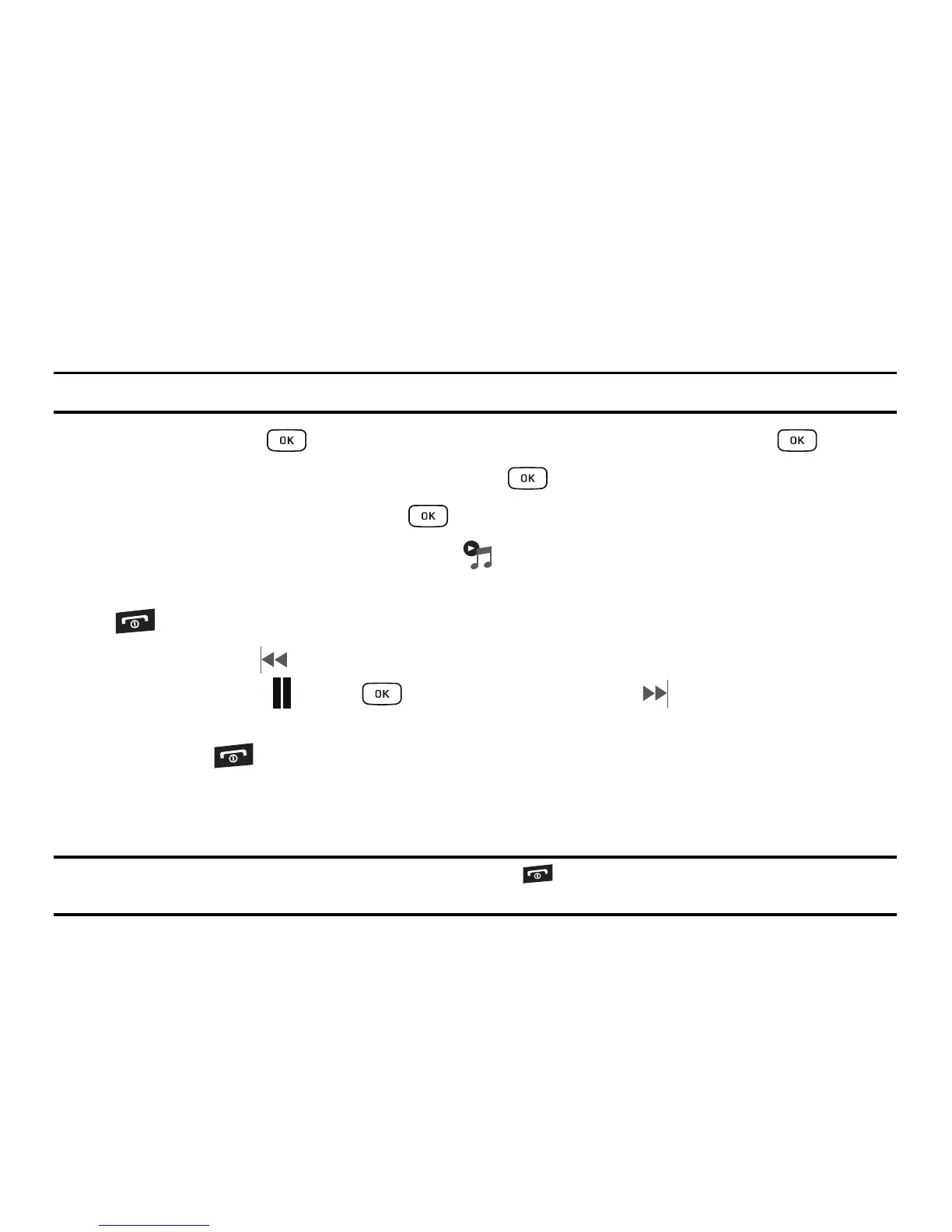
1. In Idle mode, press ➔
Tools
➔
Music Player
and press the
Select
soft key or the key.
2. Select a folder and press the Select soft key or the key.
3. Highlight a song to play and press the key.
4. Once the music starts to play the music icon ( ) displays on the top of the screen.
5. To hide the Music Player, press the Options soft key and select the Hide Player option or press the
key once.
6. Press the Rewind (Left Navigation key) to navigate to the previous song. To temporarily stop the
music, press Pause (Center key). Press the Fast Forward (Right Navigation key) to
advance to the next song. While playing the music in Idle mode, you can exit the Music player by
pressing the key.
After the Music Player enables, you can listen to music in the background while performing other phone
functions.
Important!:
When finished using the Music Player function, press the key twice to stop the function and prevent the
battery from losing its charge. Pausing the player continues to use the battery.











 To Next Page