Disassembly and Reassembly
Samsung Electronics
No Parts Procedure Remark
2
3
4
Filter Frame
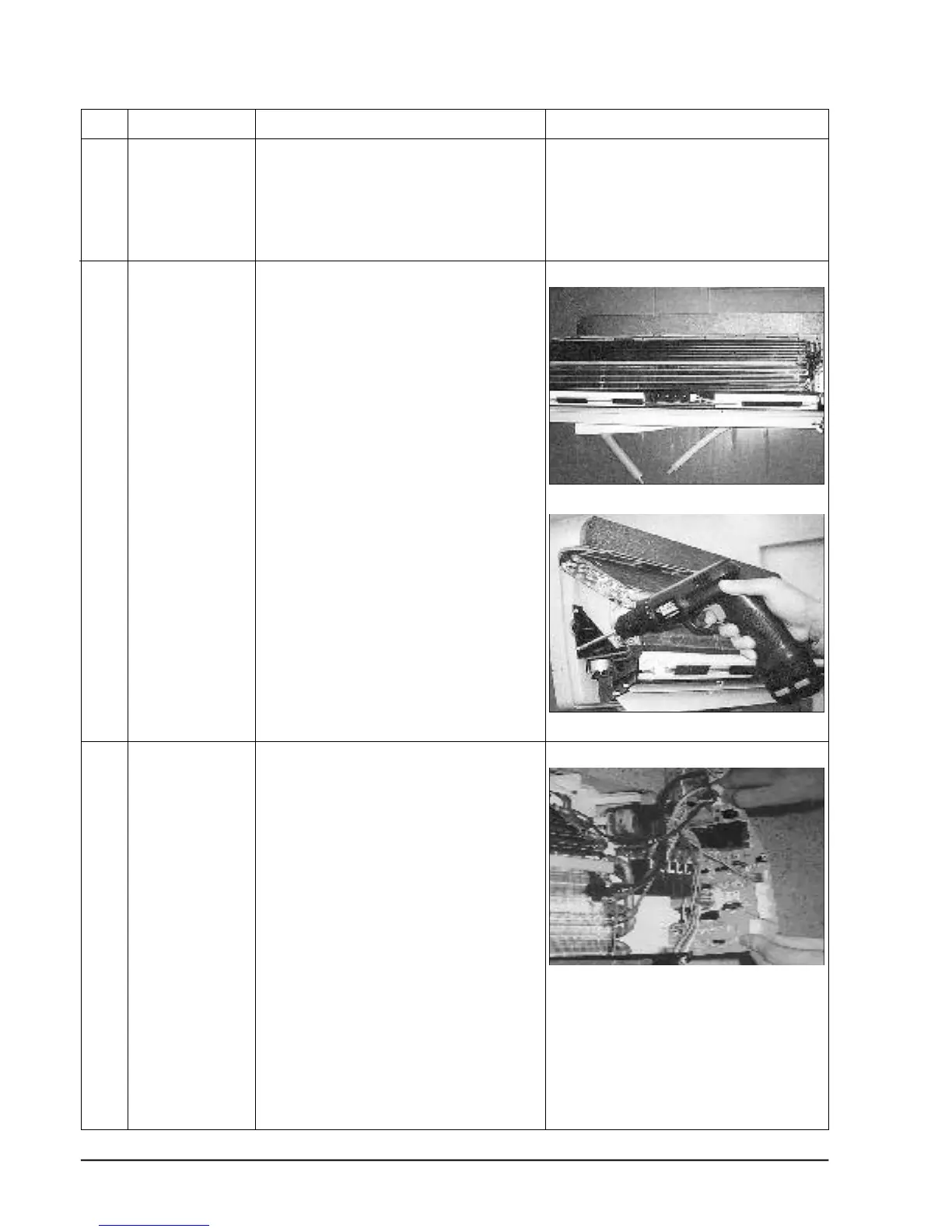
Ass'y Tray Drain
Main PCB
1) Loosen the left and right screw of the Holder
Filter, and Separate the Holder Filter.
1) Do ①② , above.
Separate the holder at the rear side of Indoor
unit.
2) Take the display PCB out.
(Center of indoor unit).
3) Loosen three fixing screws of left and right.
4) Pull tray drain out from the back body.
1) Do " ①② ", above
2) Take all the connector of PCB upper side out.
3) Separate the outdoor unit connection wire from
the terminal block.
4) If pulling the Main PCB up, it will be taken out.
(Separate the TRANS hook, it before).
4-2



 To Next Page