76
Auto clean function
Use the Auto clean function if the indoor unit produces odors.
Activating Auto clean
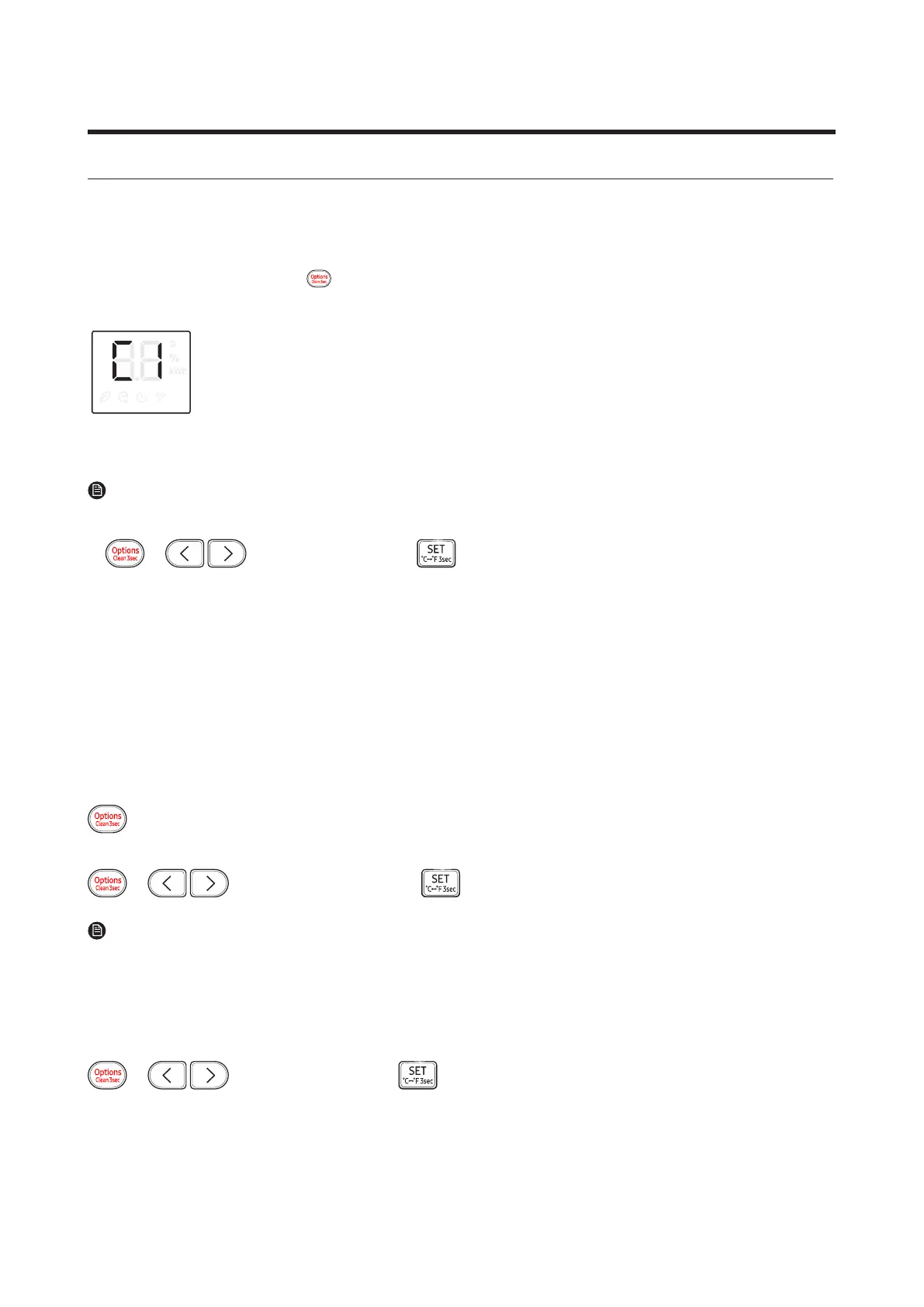
To activate Auto clean, press the (Options) button for at least 3 seconds.
Theindoorunitdisplayshows:
If the air conditioner is off, Auto clean starts immediately. If the air conditioner is running, Auto clean starts as
soon as the air conditioner turns off.
NOTE
• YoucanalsoactivateAutocleanfromtheOptionsmenu:
▶ ▶ Select Clean. ▶
• Once Auto clean is selected, it is always activated whenever the air conditioner turns off.
• Auto clean runs for 10 to up to 30 minutes depending on internal dry conditions. The indoor unit display
shows the cleaning progress from 1% to 99%.
• If you start another function while Auto clean is progressing, Auto clean pauses and will resume when the
other function stops.
• When Auto clean completes, the air conditioner turns off.
Canceling Auto clean
TocancelAutocleanwhileitisrunning,followtheprocedurebelow:
▶ Press and hold for 3 or more seconds.
or
▶ ▶
Select
Clean.
▶
NOTE
• Canceling Auto clean does not deactivate it.
Deactivating Auto clean
TodeactivateAutoclean,followtheprocedurebelowwhiletheairconditionerisinoperationorturnedoff:
▶ ▶ Select Clean. ▶
11-4 Cleaning /Filter Change




 To Next Page