17
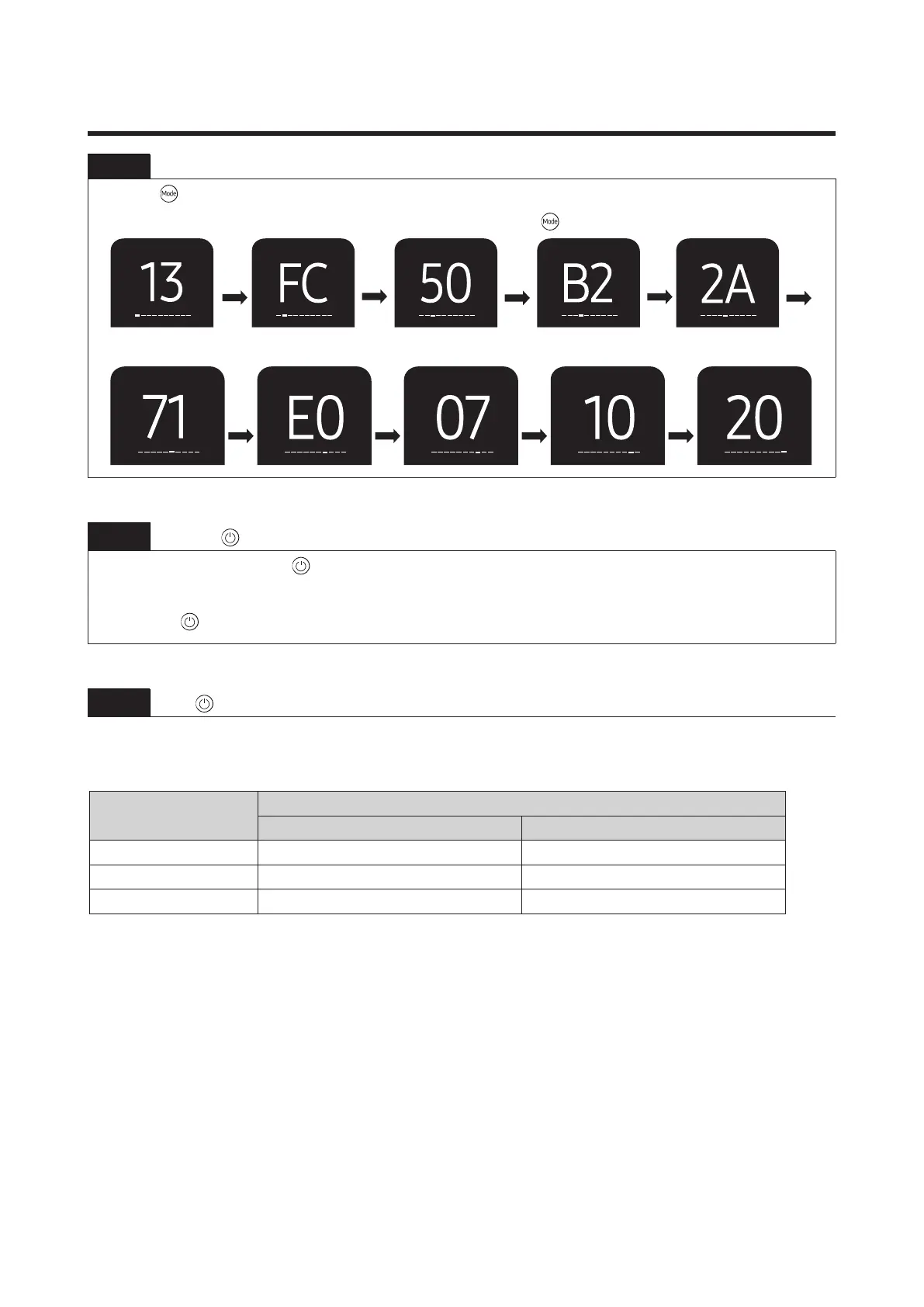
Step 3 Upon completion of the selection, check you made right selections.
Press the
button to set the display part and check the display part.
→Thedisplaypartshowslikebelowwheneachtimeyoupressthe
button.
Step 4
Press the
button.
When pressing the operation
button with the direction of remote control for the sound ‘’Ding” or “Diriring”
is heard, thern the input of option is completed. (If ther deriving sound isn’t heard, try again
pressing the button.
Step 5
Press
button after 5 second and check whether the option code is set properly.
Option code :
Model
Option code
General Install
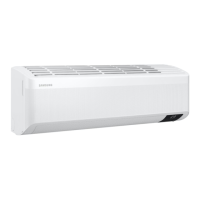
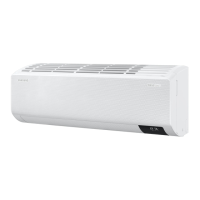
AR07CXCAAWKNEU 011A05-18C0E7-271416-371600 024002-100000-200301-300346
AR09CXCAAWK/EU 011A05-19C0F7-271920-371600 024002-100000-200301-300346
AR12CXCAAWK/EU 011A05-17C217-272328-371600 024002-100000-200301-300346




 To Next Page