Auto clean function
Use the Auto clean function if the indoor unit produces odors.
Activating Auto clean
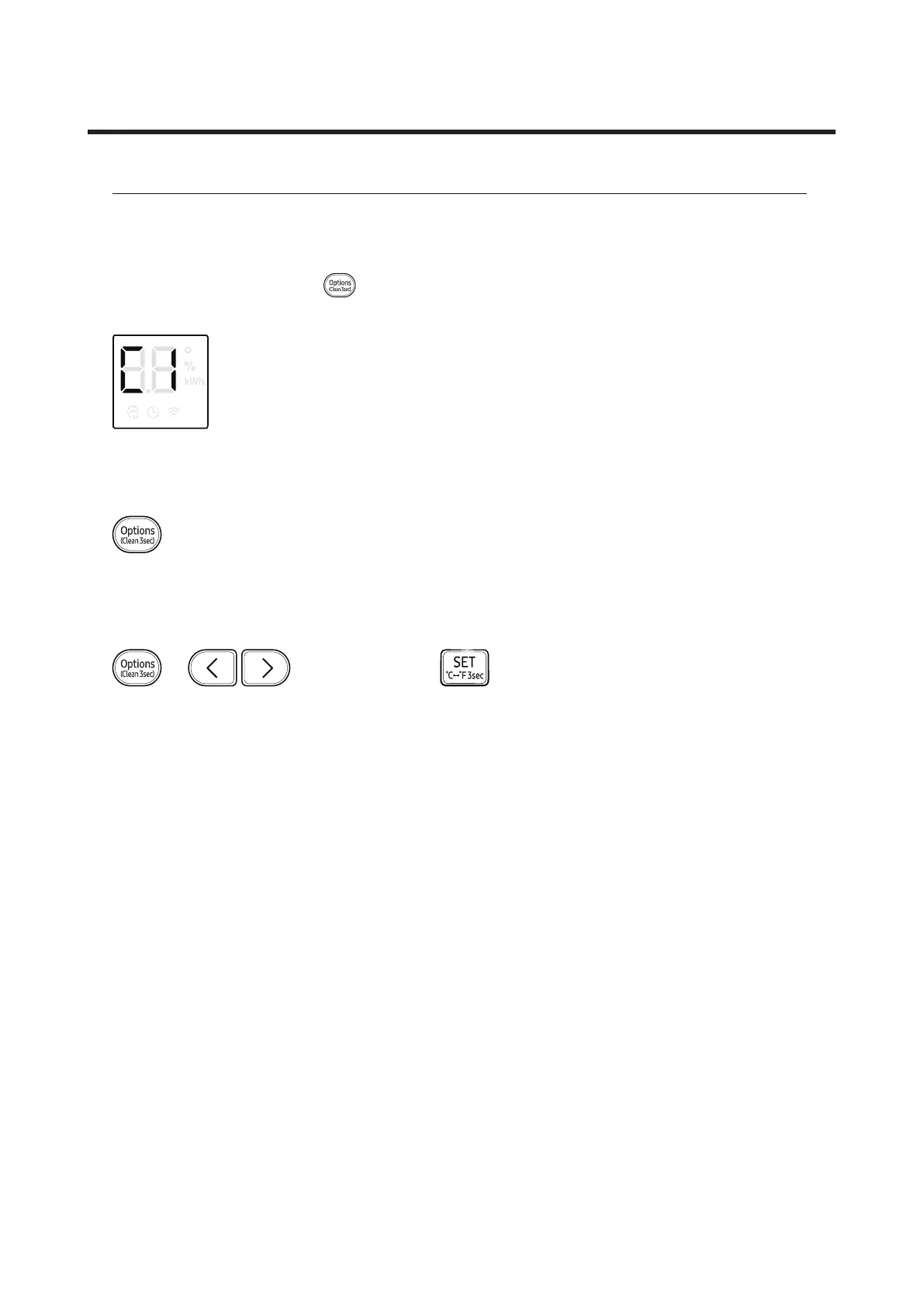
To activate Auto clean, press the (Options) button for at least 3 seconds.
The indoor unit display shows:
Canceling Auto clean
To cancel Auto clean while it is running, follow the procedure below:
▶ Press and hold for 3 or more seconds.
Deactivating Auto clean
To deactivate Auto clean, follow the procedure below while the air conditioner is in operation or turned off:
▶ ▶ Select Clean. ▶



 To Next Page