EasyManua.ls Logo

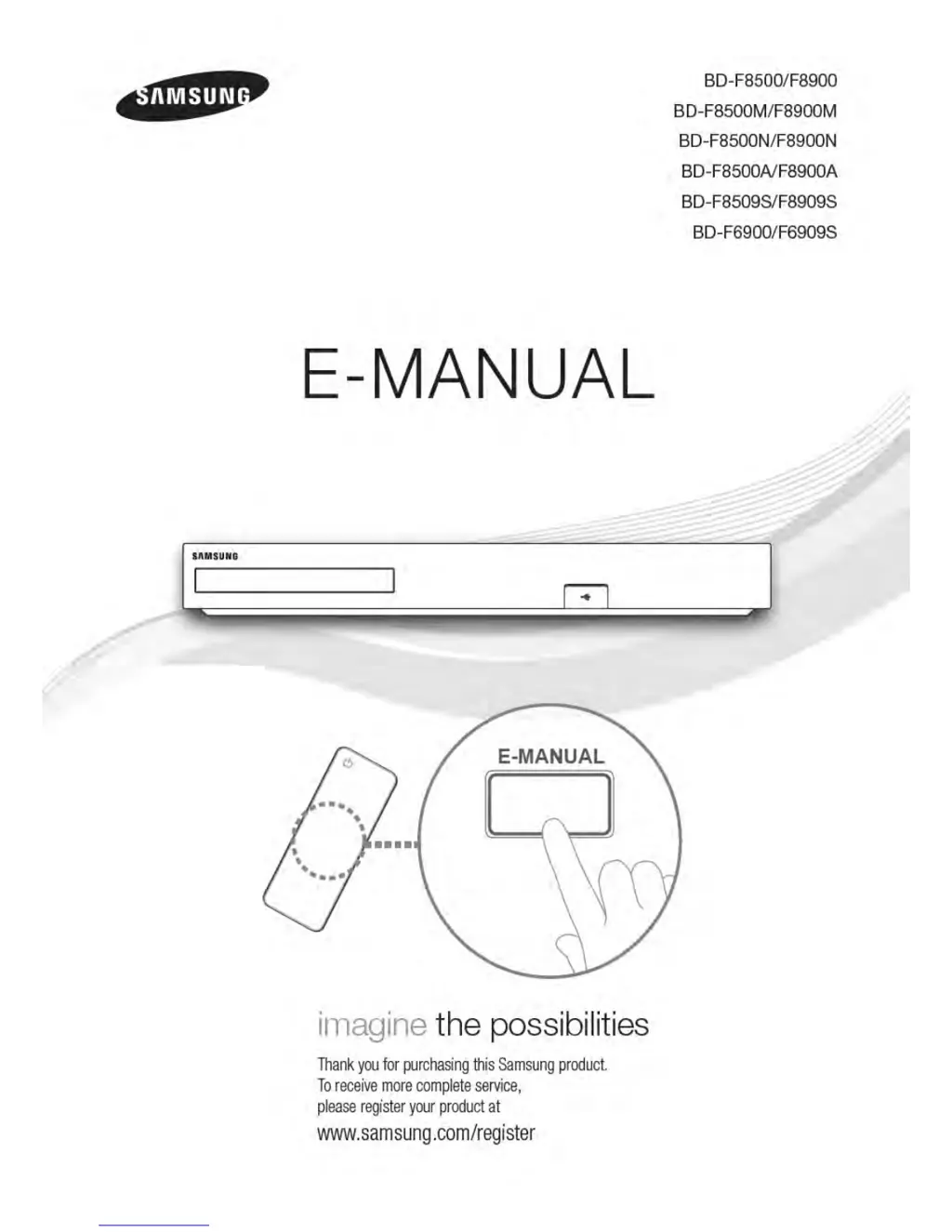
Samsung BD-F86900 - User Manual

Samsung BD-F86900
113 pages
Print Icon
To Next Page IconTo Next Page
Loading...

Table of Contents

Questions and Answers

  • D
    diazmarissaSep 10, 2025
    Why does an error occur when using BD-Live service on Samsung Blu-ray Player?
    • G
      gregorypattonSep 10, 2025
      If you encounter an error when using the BD-Live service on your Samsung Blu-ray Player, check that the memory device has at least 1 GB of free space to accommodate the BD-Live service. You can check the available size in Delete BD Data.
  • W
    william06Aug 22, 2025
    How to fix Samsung Blu-ray Player remote control not working?
    • S
      Samantha Velez MDAug 22, 2025
      If no operation can be performed with the remote control of your Samsung Blu-ray Player, check the batteries and replace them if needed. Ensure you are within 6.1 meters of the player. For resetting the remote control, remove the batteries, hold down one or more buttons for several minutes, then reinstall the batteries.
  • D
    David WileyAug 25, 2025
    Why is there no HDMI output from my Samsung Blu-ray Player?
    • J
      James MartinAug 25, 2025
      If your Samsung Blu-ray Player has no HDMI output, check the connection between the TV and the player's HDMI jack. Verify that your TV supports 576p, 720p, 1080i, or 1080p HDMI input resolution.
  • S
    stephanie62Aug 26, 2025
    Why is AllShare connection unstable between Samsung Blu-ray Player and PC?
    • B
      barryvickiAug 27, 2025
      If the AllShare connection between your Samsung Blu-ray Player and PC is unstable, check if you have a firewall enabled. If so, disable the firewall function.
  • E
    Evelyn Mendoza DDSAug 27, 2025
    What to do if the screen is blocked on my Samsung Blu-ray Player?
    • D
      Douglas BartlettAug 28, 2025
      If the screen is blocked because the HDMI output is set to a resolution your TV doesn't support (like 1080p), press the button on the top panel for more than 5 seconds when there's no disc inside and you are on the home screen. This will revert all settings to the factory defaults. Note that this will delete all stored user BD data.
  • H
    houstonrebeccaAug 29, 2025
    What to do if my Samsung Blu-ray Player disc does not play?
    • J
      James WhiteAug 29, 2025
      If your Samsung Blu-ray Player is not playing discs, make sure the disc is placed with the label side facing up. Also, check the region number of the Blu-ray or DVD disc to ensure it is compatible.
  • R
    robert81Sep 18, 2025
    Why the screen ratio cannot be changed on Samsung Blu-ray Player?
    • B
      Bradley HansonSep 18, 2025
      The Screen Ratio is fixed on your Blu-ray/DVD disc. This is not a problem with the product.
  • C
    Craig FosterSep 12, 2025
    What does the prohibition message mean on Samsung Blu-ray Player?
    • A
      Antonio VargasSep 12, 2025
      The prohibition message appears on the screen of your Samsung Blu-ray Player when an invalid button is pressed, the Blu-ray Disc/DVD’s software doesn’t support the feature (e.g., angles), or you’ve requested a title or chapter number or search time that is out of range.
  • B
    Bradley BurkeSep 8, 2025
    How to connect to BD-Live server on Samsung Blu-ray Player?
    • W
      William MaloneSep 8, 2025
      If you're having trouble connecting to the BD-Live server with your Samsung Blu-ray Player, first check the network connection using the Network Status menu. Ensure a USB memory device with at least 1 GB of free space is connected. Verify that the BD-Live Internet Connection menu is set to Allow(All). If problems persist, contact the content provider or update the product firmware.
  • W
    webbjulieSep 5, 2025
    Why can't I see files in AllShare on my Samsung Blu-ray Player?
    • J
      Joseph ShafferSep 5, 2025
      If you can see folders shared through AllShare on your Samsung Blu-ray Player but cannot see the files, note that AllShare only displays files corresponding to the Videos, Photos, and Music categories. Files that do not correspond to these categories may not be displayed.

Samsung BD-F86900 Specifications

General IconGeneral
TypeBlu-ray Player
HDMI Outputs1
USB Ports1
Wi-FiYes
Ethernet PortYes
ModelBD-F86900
Video Formats SupportedAVCHD, MKV
Audio Formats SupportedDolby Digital, DTS, MP3, WMA

Related product manuals