Why does play mode differ from Setup Menu selection on Samsung BD-H8500A?
- MMonica BarnesSep 9, 2025
Some of the functions selected in the Setup Menu may not work properly if the disc is not encoded with the corresponding function.
Why does play mode differ from Setup Menu selection on Samsung BD-H8500A?
Some of the functions selected in the Setup Menu may not work properly if the disc is not encoded with the corresponding function.
What to do if there is no audio from my Samsung BD-H8500A?
If you're not getting any audio from your Samsung DVD Player, make sure you have selected the correct Digital Output in the Audio Options Menu.
Why won't my Samsung BD-H8500A play the disc?
If your Samsung DVD Player won't play the disc, first ensure that the disc is installed with the label side facing up. Then, check the region number of the Blu-ray/DVD disc to confirm it is compatible with your player.
How to fix noisy or distorted picture on Samsung DVD Player?
If the picture on your Samsung DVD Player is noisy or distorted, make sure that the disc is not dirty or scratched. If it is, clean the disc.
What to do if I forgot the PIN for my Samsung BD-H8500A DVD Player?
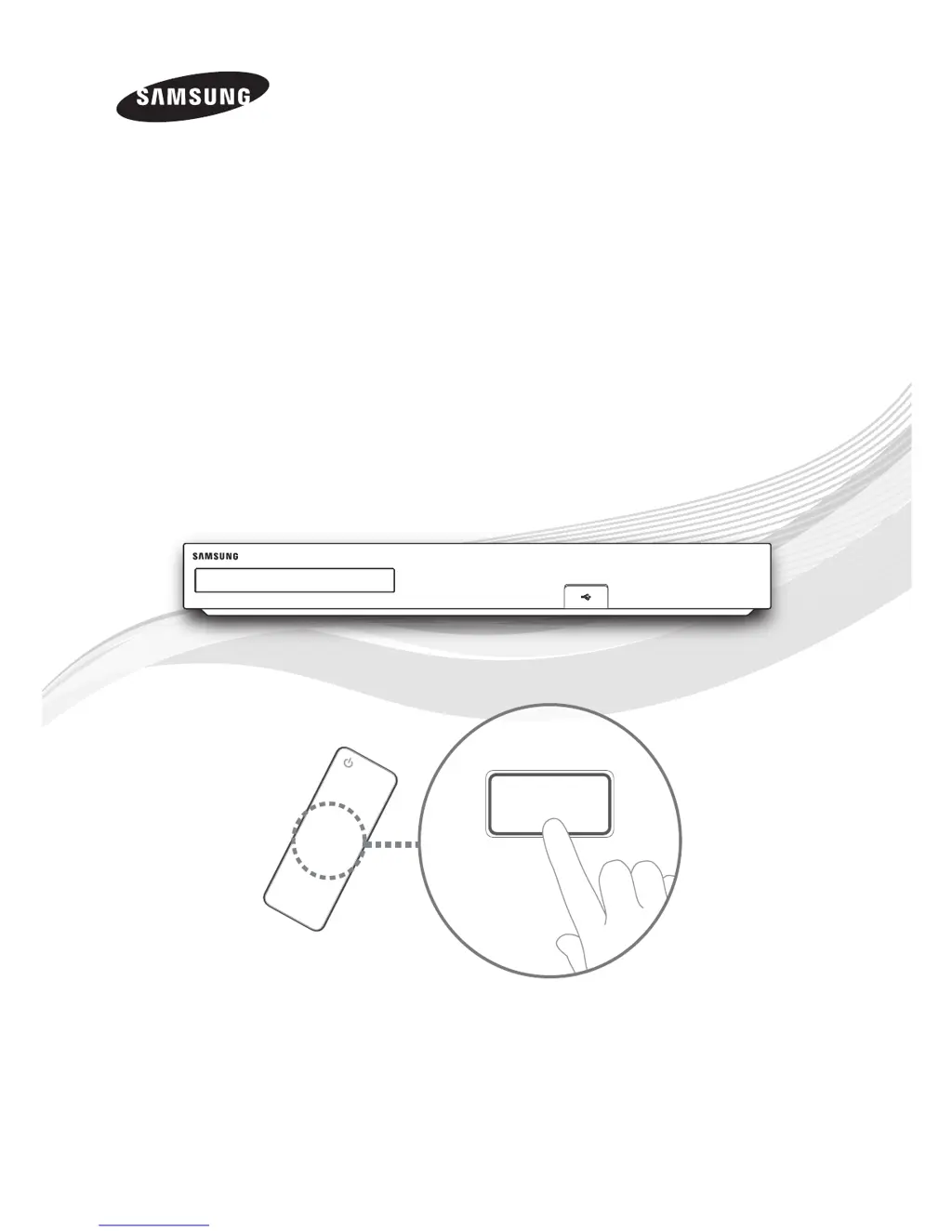
If you forgot the PIN for your Samsung DVD Player, press and hold the ' button on the top panel for more than 5 seconds with no disc inside on the home screen. This will revert all settings, including the PIN, to the factory defaults. Be aware that all stored user BD data will be deleted.
Why does video play intermittently on my Samsung BD-H8500A DVD Player?
If video playback is intermittent on your Samsung DVD Player, check if the network is stable and the network cable is properly connected, ensuring the network isn't overloaded. If you're using a wireless connection, verify its stability.
What does "Performance test failed" mean on my Samsung BD-H8500A DVD Player?
Using a lower quality USB storage device not supporting the Recording function can cause this problem. It is recommended to use a USB HDD storage device with a specification of at least 5400 rpm. USB HDD of RAID type is not supported.
Why can't I view Pay channels with a CI(+) CAM connection on my Samsung BD-H8500A?
Check whether the firmware of CAM is upgraded for compatibility with CI+ 1.3Version. Some CAM's in the market with older firmware versions are not fully interoperable with this device that is compliant to v1.3 specification. In this case, this problem can be resolved by applying a firmware upgrade to the CAMs. So, please contact your network operator or CAM operator for it.
What does the prohibition message mean on my Samsung BD-H8500A DVD Player?
The prohibition message appears when an invalid button is pressed, the Blu-ray Disc/DVD's software doesn’t support the feature (e.g., angles), or you’ve requested a title or chapter number or search time that is out of range.
How to fix unstable network connection between Samsung DVD Player and PC?
If the network connection between your Samsung DVD Player and PC is unstable, check if you have a firewall enabled. If so, disable the firewall function. Also, ensure that the IP addresses under the same subnetwork are unique to avoid IP interference.
Adjusting video output, resolution, aspect ratio, and image display modes.
Configuring audio output, downmixing, and audio synchronization options.
Configuring wired and wireless network connections for internet access.
Procedures for updating the product's firmware via network or USB.
Instructions for playing content from commercial discs and USB storage devices.
Details on supported video file extensions, codecs, and resolutions for playback.
Adjusting video output, resolution, aspect ratio, and image display modes.
Configuring audio output, downmixing, and audio synchronization options.
Configuring wired and wireless network connections for internet access.
Procedures for updating the product's firmware via network or USB.
Instructions for playing content from commercial discs and USB storage devices.
Details on supported video file extensions, codecs, and resolutions for playback.
| 3D Support | Yes |
|---|---|
| Smart Features | Yes |
| Wi-Fi | Yes |
| USB Ports | 1 |
| HDMI Output(s) | 1 |
| Ethernet Port | Yes |
| Type | Blu-ray Player |
| Output Resolution | 1080p (Full HD) |
| Supported Disc Formats | BD, DVD, CD |
| Dimensions (W x H x D) | 430 x 50 x 300 mm |