EasyManua.ls Logo

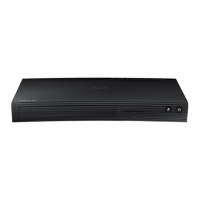
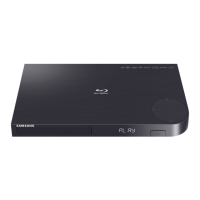
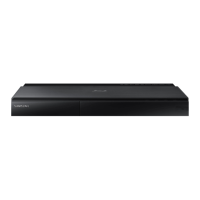
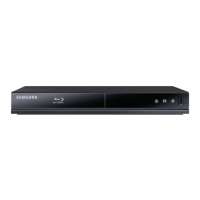
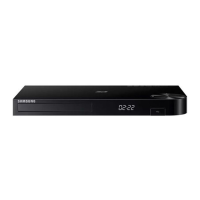
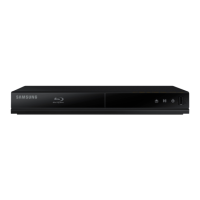
Samsung BD-J5700 - User Manual

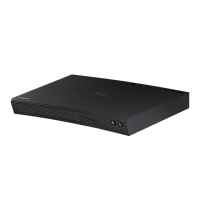
Samsung BD-J5700
30 pages
Print Icon
To Next Page IconTo Next Page
Loading...
imagine the possibilities
Thank you for purchasing this Samsung product.
To receive more complete service,
please register your product at
www.samsung.com/register
Blu-ray
Disc Player

BD-J5700


Questions and Answers

Samsung BD-J5700 Specifications

General IconGeneral
Depth221 mm
Width291 mm
Height39.8 mm
Weight1102 g
Full HDNo
Device typeBlu-Ray player
Product colorBlack
Audio decodersDolby Digital Plus, Dolby TrueHD, DTS
Package weight1600 g
Video upscalingYes
AC input voltage110-120 V
AC input frequency50 - 60 Hz
Disc types supportedBD, DVD, DVD+R, DVD+RW, DVD-R, DVD-RW
Card reader integrated-
USB 2.0 ports quantityUSB 2.0 ports have a data transmission speed of 480 Mbps, and are backwards compatible with USB 1.1 ports. You can connect all kinds of peripheral devices to them.
Audio formats supportedAAC, FLAC, LPCM, MP3, WMA
Image formats supportedJPEG XR
Video formats supportedAVCHD, MPEG2, MPEG4, WMV
Analog signal format systemNTSC
Power consumption (standby)0.4 W
Power consumption (typical)9.8 W
On Screen Display (OSD) languagesEnglish
Consumer Electronics Control (CEC)Anynet+
Audio output channels2.0 channels

Related product manuals