EasyManua.ls Logo

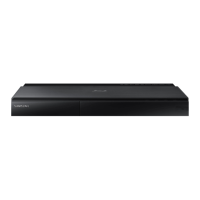
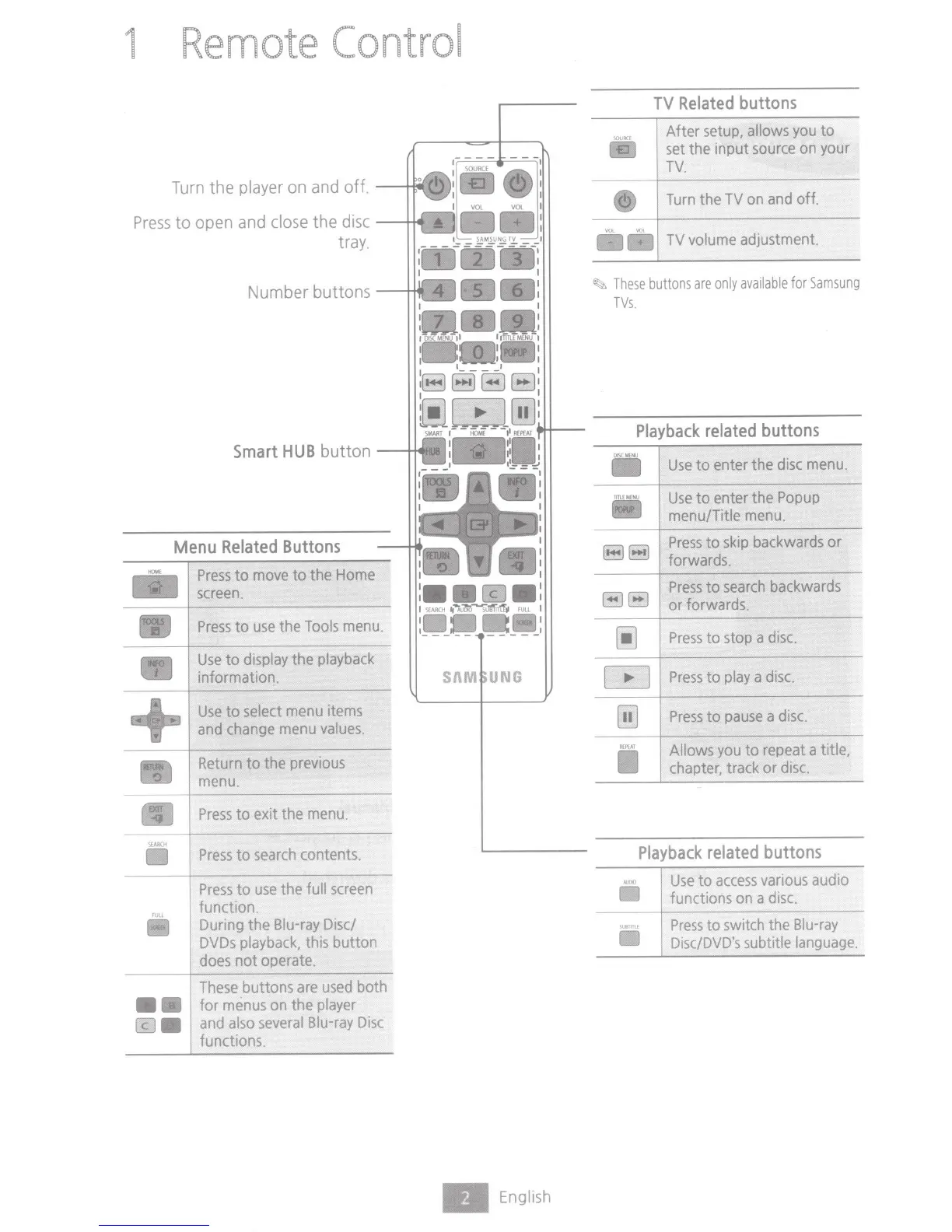
Samsung BD-J7500 - Remote Control; TV Related buttons; Menu Related Buttons; Playback related buttons

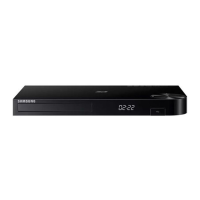
Samsung BD-J7500
82 pages
Print Icon
To Next Page IconTo Next Page
To Previous Page IconTo Previous Page
Loading...
1
Remote
Control
Turn the player on and off.
-....j...MI
Press
to
open and
close
the disc
tray.
Number buttons
Smart
HUB
button
Menu
Related
Buttons
Iii
+
SE
A
RCH
••
Press
to
move
to the
Home
screen.
Press
to
use
the
Tools
menu.
Use
to
display
the
playback
information.
Use
to
select
menu
items
and
change
menu
values.
Return
to the
previous
menu
.
Press
to exit the
menu.
Press
to
search
contents .
Press
to
use
the
full
screen
function.
During
the
Blu-ray
Disc/
DVDs
playback,
this button
does
notoperate.
These
buttons
are
used
both
for
menus
on
the
player
and
also
several
Blu-ray
Disc
functions.
English
TV
Related
buttons
After
setup,
allows
you
to
set
the input
source
on
your
TV.
Turn
the
TV
on
and
off.
llilllil
TV
volume
adjustment.
~
These
buttons
are
only
available
for
Samsung
TVs.
Playback
related
buttons
DISC
MENU
Use
to enter the
disc
menu
.
TTIUMENV
Use
to enter the
Popup
menu/Title
menu.
88
Press
to
skip
backwards
or
forwards.
88
Press
to
search
backwards
or forwards .
~
Press
to stop a
disc.
m
Press
to
play
a
disc.
[ill
Press
to
pause
a
disc.
I
<I'!
AT
Allows
you
to
repeat
a title,
chapter,
track or
disc.
Playback
related
buttons
Use
to
access
various
audio
functions
on
adisc.
Press
to
switch
the
Blu-ray
Disc/DVD's
subtitle
language.

Table of Contents

Related product manuals