OP E R AT I O N
3.10
C
HAPTER
T
HREE
: TV O
PERATION
2
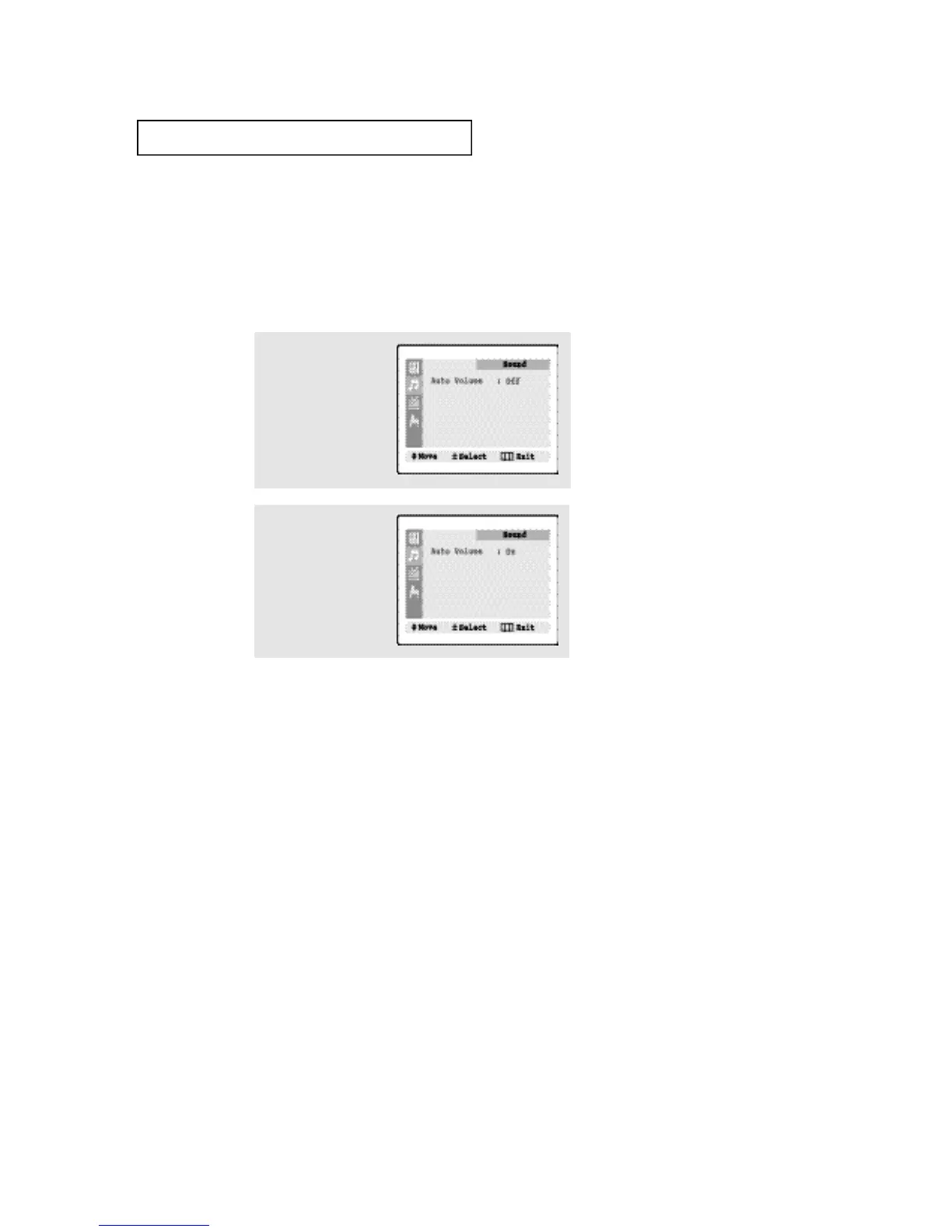
Press the VOL - button to
select “On/Off”.
(Repeatedly pressing the
VOL - or VOL + button will
alternate between On and
Off.)
1
Press the MENU button to
display the menu.
Press the CH ▼ button to
select the “Sound” menu,
then press the VOL - but-
ton.
Auto Volume
Each broadcasting station has its own signal conditions, which can make it necessary to
adjust the volume every time the channel is changed. “Auto volume” lets you automati-
cally adjust the volume of the desired channel by lowering the sound output when the
modulation signal is high or by raising the sound output when the modulation signal is
low.







 To Next Page