77
DPOF : Print size
You can specify the print size when printing images stored on the memory card.
The [Size] menu is available only for DPOF 1.1 compatible printers.
Setting the Print Size
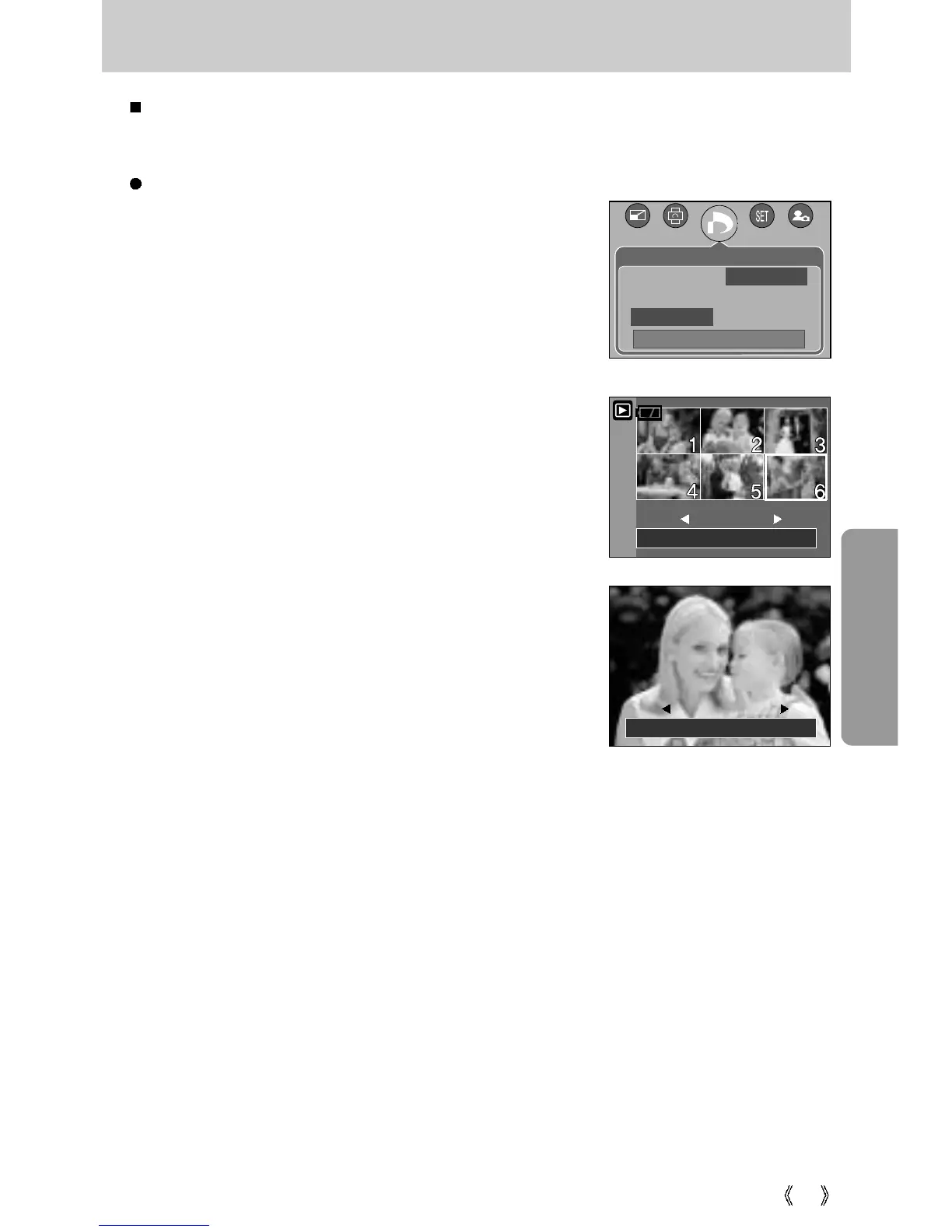
1. Press the play mode button and press the menu button.
2. Press the LEFT/ RIGHT button and select the [DPOF]
menu tab.
3. Select the [Size] menu by pressing the UP/ DOWN button
and press the RIGHT button.
4. Select a desired sub menu by pressing the UP/ DOWN
button and press the OK button.
[Select] : Selection window for an image to be changed
printed size is displayed.
- Up/Down/Left/Right : Select an image.
- Zoom W/T Button : Change the print size.
- OK button : Your changes will be saved and the menu
will disappear.
[All Pics] : Change print size of all saved images.
- W/ T button : Select a print size
- OK button : Confirm the changed setting.
[Cancel] : Cancel all of the print size settings.
* DPOF [Size] secondary menu : Cancel, 3X5, 4X6, 5X7,
8X10
Set:OK
W
Cancel T
Set:OK
W
Cancel T
DPOF
Back:
Set : OK
Standard Select
Index All Pics
Size Cancel








 To Next Page