81
PictBridge: Printing
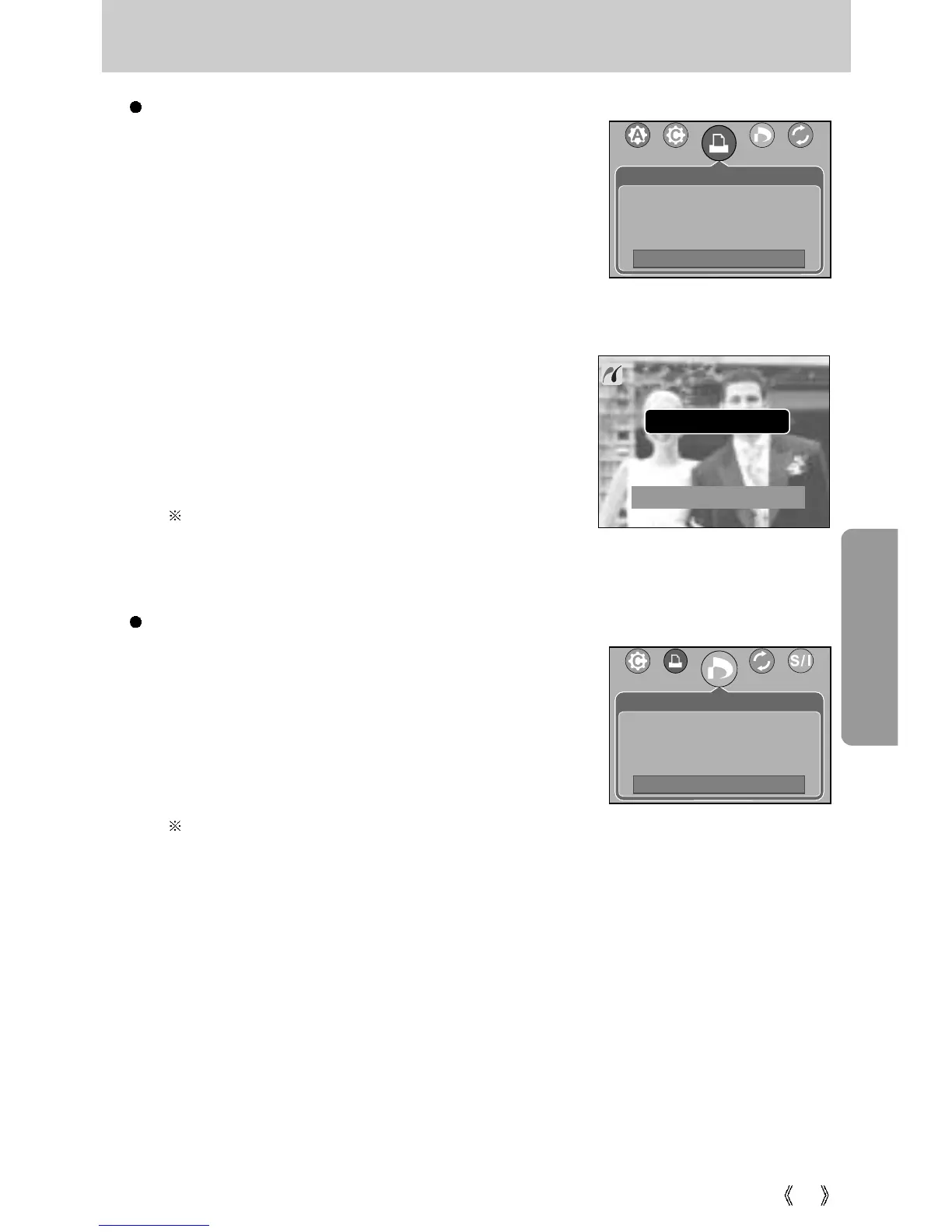
DPOF Print : This allows you to directly print the files with DPOF information.
1. Use the LEFT and RIGHT buttons to select the
[DPOF Print] menu tab.
2. Use the UP and DOWN buttons to select the desired
submenu value, and then press the OK button.
[No] : Cancel the printing
[Yes] : Directly print the file with the DPOF information
Depending on the manufacturer and printer model,
some menus may not be available. With a printer without supporting the DPOF, the
menu is still displayed but not available.
Printing Pictures
1. Use the LEFT and RIGHT buttons to select the [Print]
menu tab.
2. Use the UP and DOWN buttons to select the desired
submenu value, and then press the OK button.
[Standard]
: Print the pictures stored in the memory card
in set numbers. One picture is printed on
one piece of paper.
[Index] : Print multiple images on one sheet of
paper.
3. The screen shown on the right will appear and the
picture will be printed. If no picture is selected, the
[No image!] message will be displayed. Press the
Menu/OK button while printing to cancel the printing and
the [Print] menu is displayed.
Number of pictures in an index print varies depends
on the printer used.
Now Printing
1/1
Print
Move:
DPOF Print
Move:
Cancel : OK
Standard
Index
No
Yes








 To Next Page