EasyManua.ls Logo

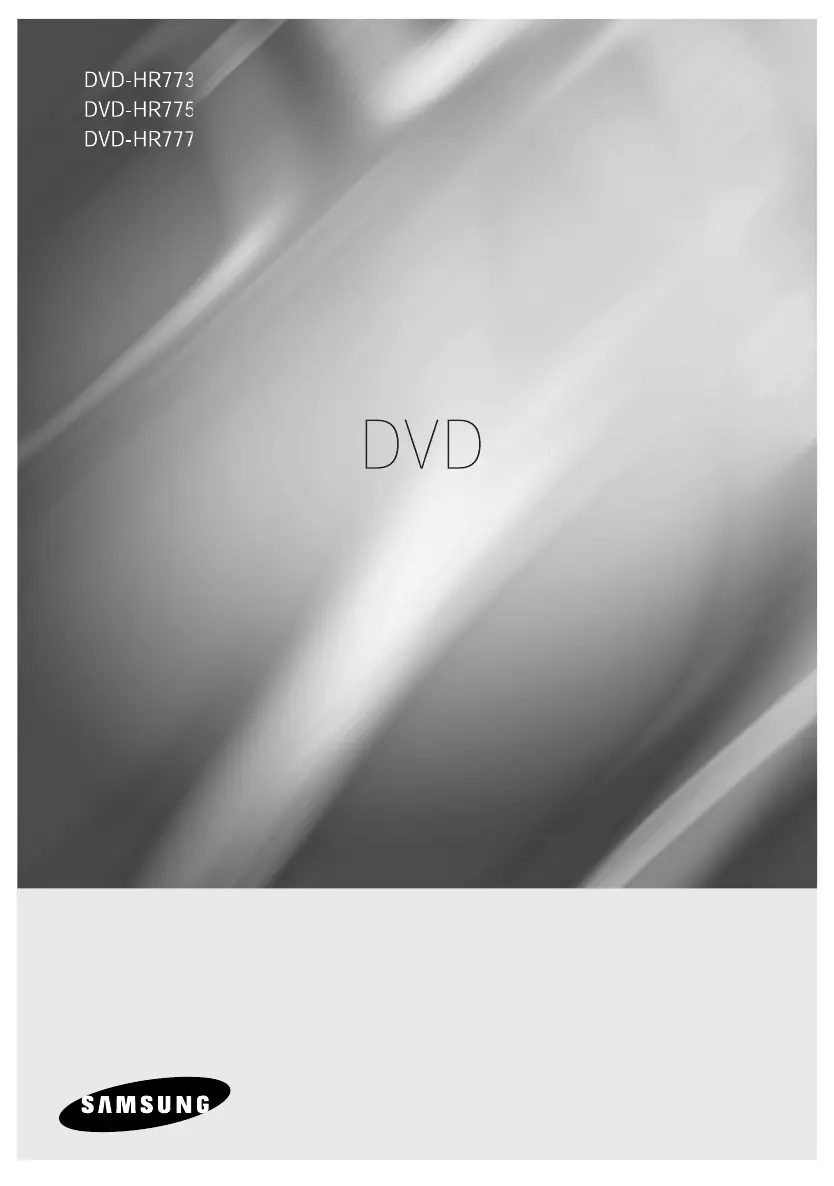
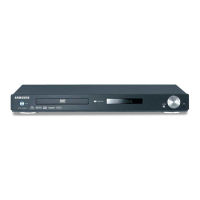
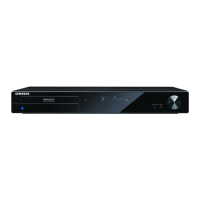
Samsung DVD-HR773 - User Manual

Samsung DVD-HR773
200 pages
Print Icon
To Next Page IconTo Next Page
Loading...
راي ر
dX U « &r MOb
ا ل Samsung از ﺎـ .
اي در ,
ً ل د را در اﺮـ ز
www.samsung.com/global/register

Table of Contents

Other manuals for Samsung DVD-HR773

Questions and Answers

  • G
    grahamgeraldSep 18, 2025
    What does it mean if the timer lamp flickers on my Samsung DVD Recorder?
    • D
      Denise WolfSep 18, 2025
      If the timer lamp is flickering on your Samsung DVD Recorder, verify there is enough space on the disc or HDD for recording. Also, check whether the current disc is recordable or not.
  • S
    smcbrideAug 25, 2025
    What to do if Samsung DVD-HR773 DVD Player remote control doesn't work?
    • P
      phamtheresaAug 25, 2025
      If your Samsung DVD Player remote control isn’t working, try the following: * Ensure you’re pointing the remote directly at the remote control sensor on the DVD Player within an appropriate distance, and that there are no obstacles. * Check the batteries to see if they are drained and replace them if needed. * Make sure the TV control button on the remote is not selected.
  • D
    Deborah WilcoxAug 26, 2025
    What to do if my Samsung DVD-HR773 cannot play the disc?
    • T
      tbrownAug 26, 2025
      If your Samsung DVD Player cannot play a disc, consider the following: * Ensure the disc is inserted correctly with the label facing up. * Check the regional code of the DVD disc to ensure it's compatible. * Note that the DVD Player may not be compatible with all types of discs.
  • I
    Isaac BradleyAug 26, 2025
    Why is there no HDMI output from my Samsung DVD Player?
    • M
      Melissa AlvaradoAug 27, 2025
      If your Samsung DVD Player displays no HDMI output, verify the following: * Ensure that the video output is set to HDMI. * Check the connection between your TV and the HDMI jack on the DVD Player. * Confirm that your TV supports HDMI.
  • D
    Diane SmithSep 22, 2025
    What causes HDMI output jitter on a Samsung DVD Recorder?
    • K
      Kelly EnglishSep 22, 2025
      To address HDMI output jitter on your Samsung DVD Recorder, ensure your TV system setup is configured correctly. For detailed instructions, please refer to your TV's user manual.
  • L
    Lauren ReevesSep 23, 2025
    What causes bad quality images on my Samsung DVD Recorder?
    • K
      Kristina DavisSep 23, 2025
      If your Samsung DVD Recorder is displaying no image or bad quality images even though the disc is revolving, ensure that the Video Setting is properly set. Check the disc for damage or foreign material. Be aware that some low-quality discs may not play properly. If scenes change from dark to bright suddenly, temporary vertical shaking is normal and not a fault.
  • A
    Angela CampbellSep 9, 2025
    What to do if REC button on Samsung DVD-HR773 DVD Player has no response?
    • J
      Jessica LeachSep 9, 2025
      If you pressed the REC button on your Samsung DVD Player and there is no response, check the available disc type. If a program is copy protected, it cannot be recorded.
  • T
    Travis HesterSep 12, 2025
    Why does my Samsung DVD-HR773 DVD Player revolve the disc, but display no image or bad quality images?
    • S
      Stacey EllisSep 12, 2025
      If the disc revolves in your Samsung DVD Player, but no image or bad quality images are displayed: * Ensure that the Video Setting is properly configured. * Inspect the disc for damage or foreign material. * Be aware that some low-quality discs may not play correctly. * Note that the screen may shake vertically temporarily when scenes change from dark to bright suddenly, but this is not a fault.
  • T
    Thomas HopkinsSep 3, 2025
    How to reset parental supervision password on Samsung DVD Recorder?
    • E
      Elizabeth KingSep 3, 2025
      To reset a forgotten parental supervision password on your Samsung DVD Recorder, press and hold the PLAY/PAUSE (&) buttons on the front panel for more than 10 seconds while there is no disc in the unit.
  • C
    Cody ThomasSep 1, 2025
    Why is there no sound from my Samsung DVD Recorder?
    • S
      Spencer IngramSep 1, 2025
      If you're not getting any sound from your Samsung DVD Recorder, check if you're watching a program in slow or skip mode. Verify the connections and settings. Inspect the disc for damage and clean it if necessary. Also, ensure the disc is inserted correctly with the label facing up.

Samsung DVD-HR773 Specifications

General IconGeneral
TypeDVD Recorder
Video FormatMPEG-2
HDD Capacity160 GB
TV TunerYes
Progressive ScanYes
Audio FormatMP3
Recording FormatDVD+R, DVD+RW, DVD-R, DVD-RW
ConnectivityComposite video output, S-Video output
Dimensions430 mm
Video UpconversionYes
Playback FormatsDVD, CD, MP3, JPEG

Related product manuals