Basic functions
16
Turning on your camera
Learn how to start your camera.
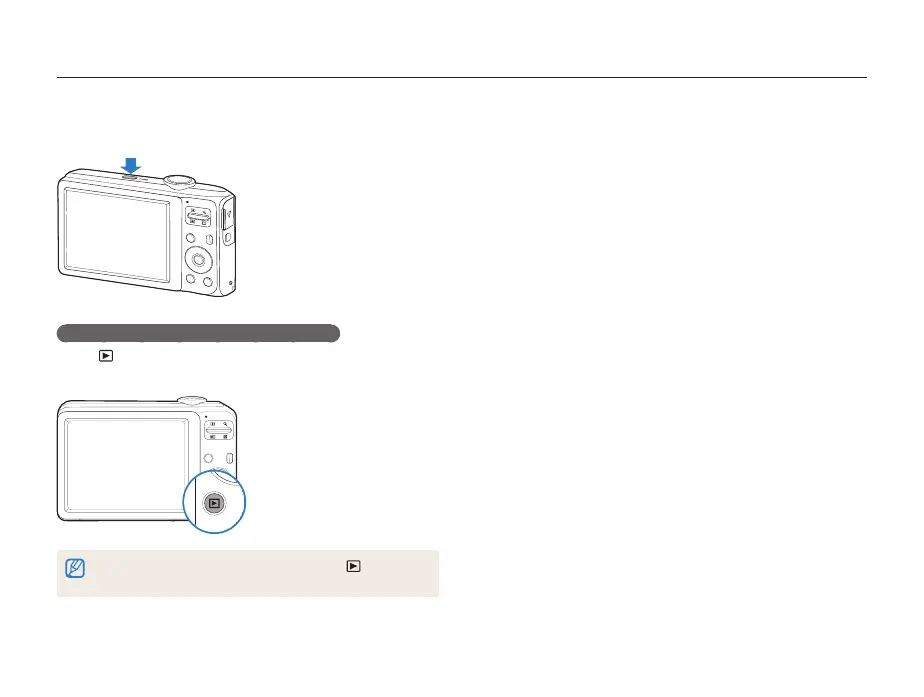
Press [POWER] to turn your camera on or off.
Turning on your camera in Playback mode
Press [ ]. The camera turns on and accesses Playback mode
immediately.
When you turn on your camera by pressing and holding [ ] for about
5 seconds, the camera does not emit any camera sounds.



 To Next Page