Playback/Editing
71
Transferring files to your Mac computer
When you connect the camera to a Macintosh computer, the computer recognizes the camera automatically.
You can transfer files directly from the camera to the computer without installing any programs.
Mac OS 10.4 or later is supported.
2
Turn on the camera.
• The computer recognizes the camera automatically and
displays a removable disk icon.
If the camera fails to connect, a pop-up window will appear.
Select Computer.
3
Double-click the removable disk icon.
4
Transfer photos or videos to the computer.
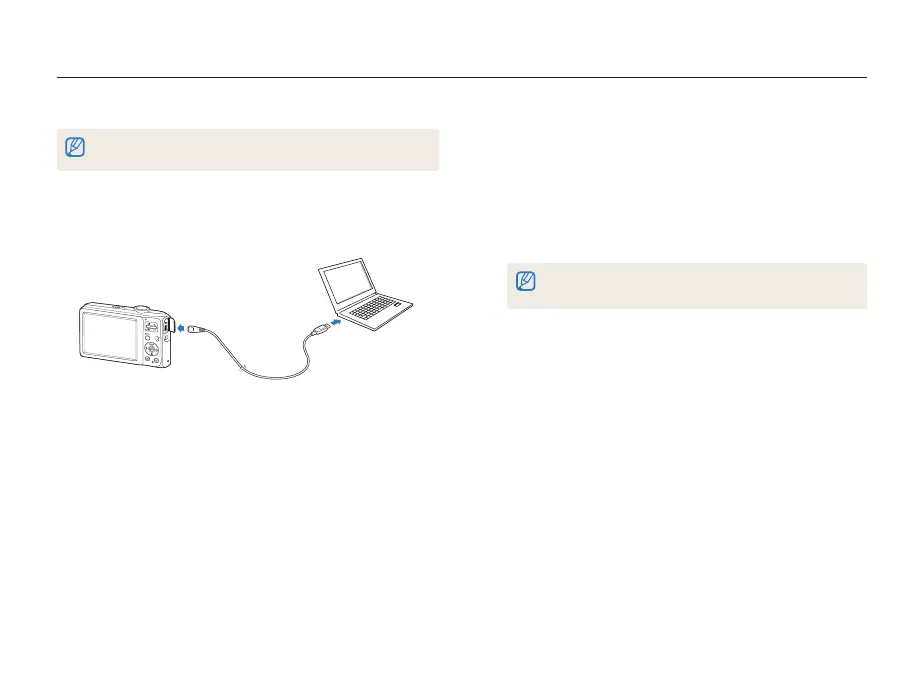
1
Connect your camera to a Macintosh computer with the
USB cable.



 To Next Page