Playback/Editing
69
Transferring files to your Windows computer
Transferring files by connecting the camera
as a removable disk
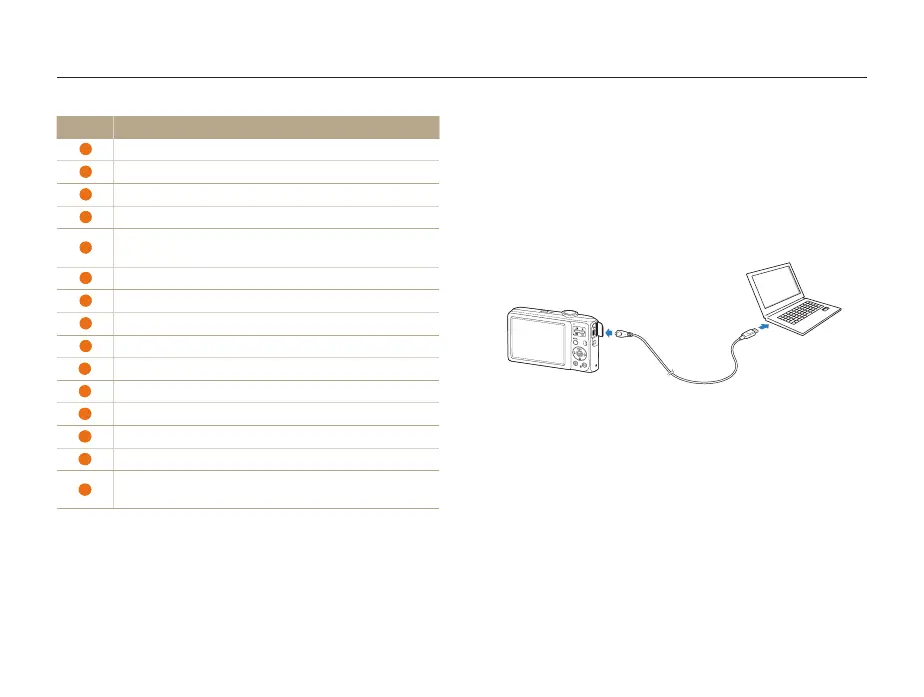
You can connect the camera to your computer as a removable
disk.
1
Connect the camera to your computer with the USB
cable.
Icon Description
1
Open menus
2
Display files in the selected folder
3
Change to the Photo edit mode
4
Change to the Video edit mode
5
Change to the Sharing mode (You can send files by email
or upload files to websites, such as Flickr or YouTube.)
6
Enlarge or reduce the thumbnails in the list
7
Select a file type
8
View files of the selected folder on your computer
9
Show or hide files of the connected camera
10
View files of the selected folder on the camera
11
View files as thumbnails, in Smart Album, or on a map
12
Browse folders in the connected device
13
Browse folders in your computer
14
Move to the previous or next folder
15
Print files, view files on a map, store files in My Folder, or
register faces



 To Next Page