Playback/Editing
58
Playing back
Playing voice memos
Playing a voice memo
1
In Playback mode, select a voice memo, and then press
[
].
2
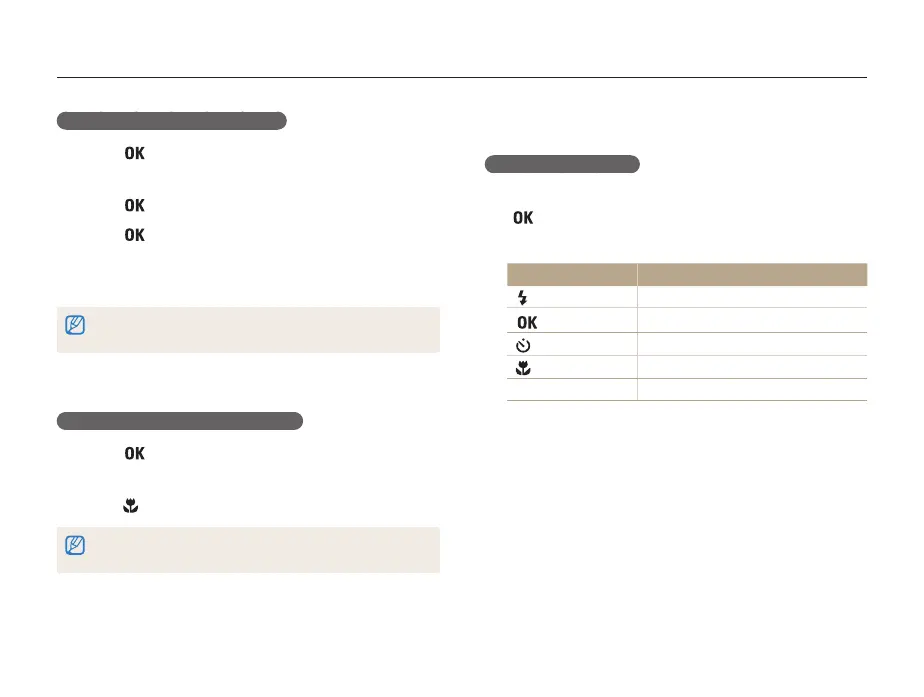
Use the following buttons to control playback.
Press To
[
]
Scan backward.
[ ]
Pause or resume playback.
[ ]
Scan forward.
[ ]
Stop playback.
[Zoom] up or down
Adjust the volume level.
Trimming a video during playback
1
Press [ ] at the point where you want the new video
to begin, and then push [Zoom] up.
2
Press [ ] to resume playback.
3
Press [ ] at the point where you want the new video
to end, and then push [Zoom] up.
4
Select Yes.
• The original video must be at least 10 seconds long.
• The camera saves the edited video as a new file.
Capturing an image during playback
1
Press [ ] at the point where you want to save a still
image.
2
Press [ ].
A captured image has the same resolution as the original video file and is
saved as a new file.



 To Next Page