Playback/Editing
67
Transferring files to your Windows computer
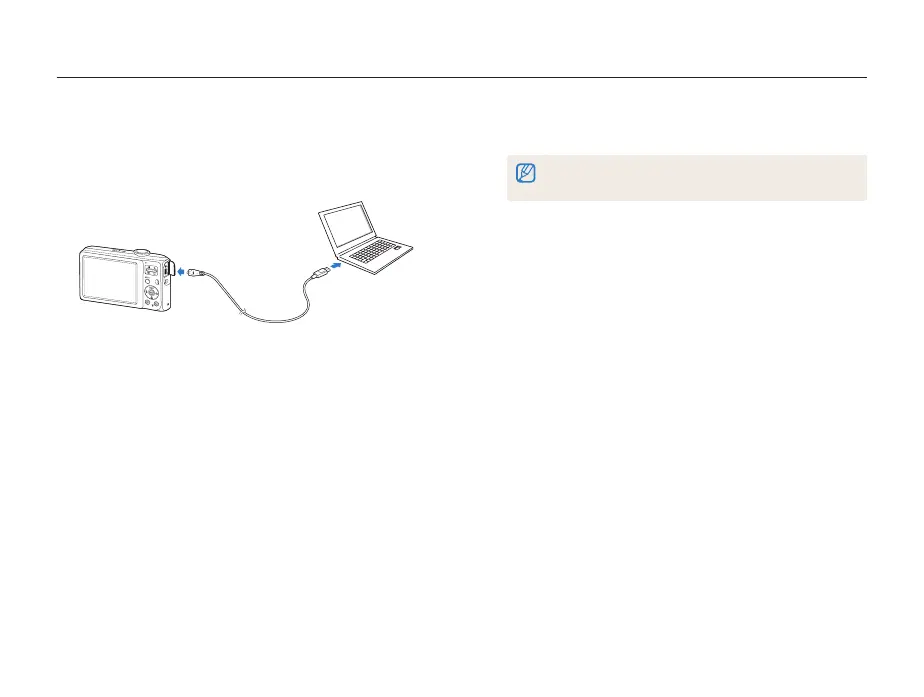
Transferring files using Intelli-studio
1
Connect the camera to your computer with the USB
cable.
2
Turn on the camera.
• The computer recognizes the camera automatically.
If the camera fails to connect, a pop-up window will appear.
Select Computer.
3
Select a folder on your computer to save new files to.
• If your camera has no new files, the pop-up window for saving
new files will not appear.
4
Select Yes.
• New files are transferred to the computer.



 To Next Page