Playback/Editing
57
Playing back
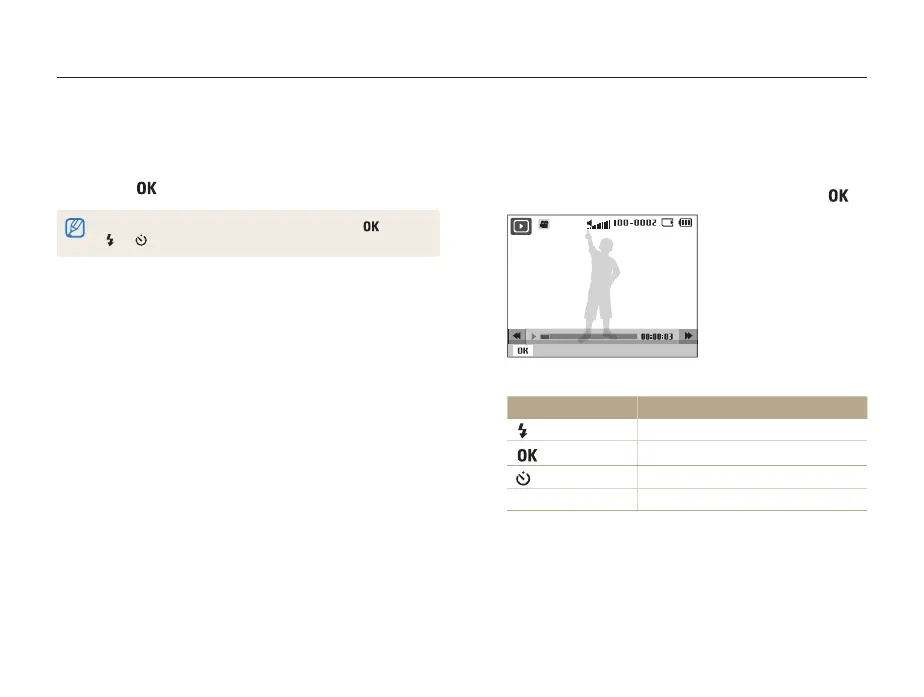
Playing a video
You can play a video, capture an image from a video, or crop a
video.
1
In Playback mode, select a video, and then press [ ].
Pause
2
Use the following buttons to control playback.
Press To
[
]
Scan backward.
[ ]
Pause or resume playback.
[ ]
Scan forward.
[Zoom] up or down
Adjust the volume level.
4
Set the slide show effect.
5
Select Start → Play.
• To loop the slide show, select Repeat.
• Press [
] to pause or resume the slide show.
To stop the slide show and switch to Playback mode, press [ ], and then
[
] or [ ].



 To Next Page