Extended functions
33
Recording voice memos
Learn how to record a voice memo that you can play back at any time. You can add a voice memo to a photo as a short reminder of
shooting conditions.
You will get the best sound quality when recording 10 inches (25 cm.) away from
the camera.
Adding a voice memo to a photo
1
In Shooting mode, press [ ].
2
Select Shooting → Voice → Memo.
3
Align your subject in the frame, and then take a photo.
4
Record a short voice memo (10 seconds maximum).
• Begin recording the voice memo right after taking the photo.
• Press [Shutter] to stop recording a voice memo before the
10 seconds are up.
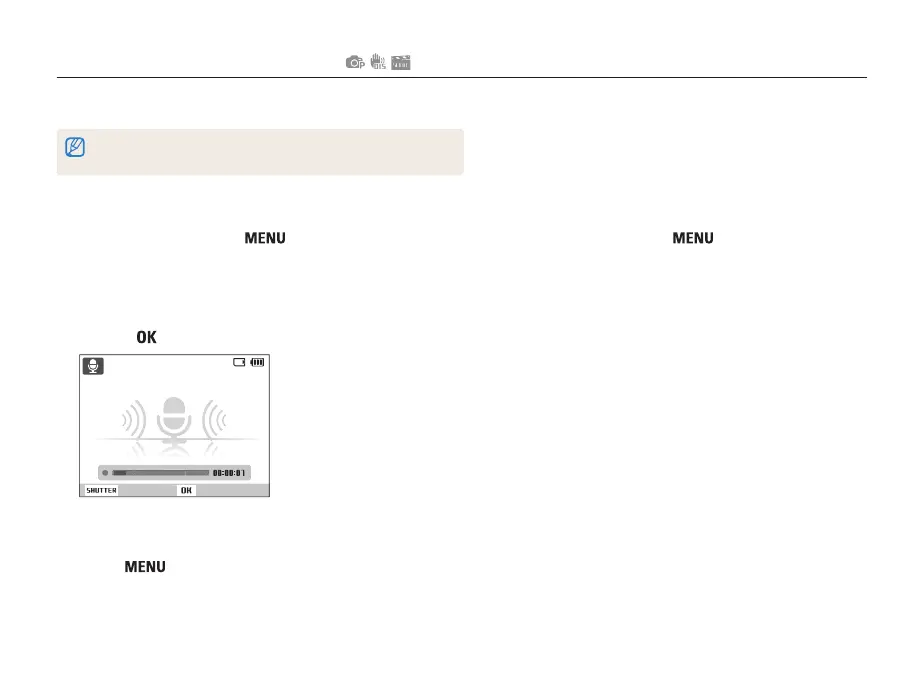
Recording a voice memo
1
In Shooting mode, press [ ].
2
Select Shooting → Voice → Record.
3
Press [Shutter] to record.
• You can record voice memos of up to 10 hours in length.
• Press [
] to pause or resume recording.
Stop Pause
4
Press [Shutter] to stop.
• Press [Shutter] again to record a new voice memo.
5
Press [ ] to switch to Shooting mode.



 To Next Page