Appendixes
78
Camera settings menu
* Default
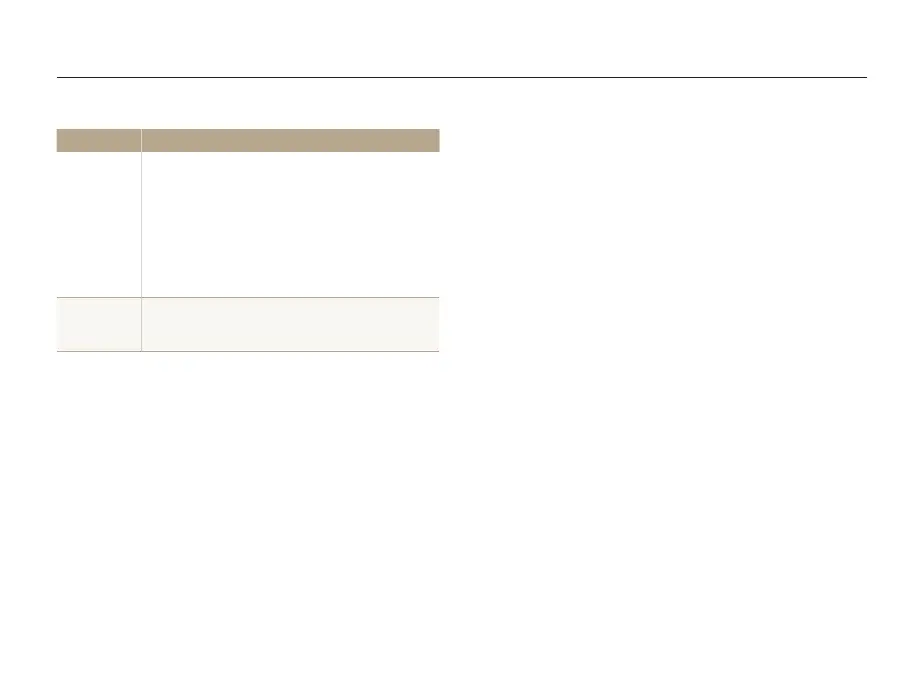
Item Description
USB
Select the function to use when you connect the
camera to a computer or printer using a USB cable.
• Auto*: Set your camera to select a USB mode
automatically.
• Computer: Connect your camera to a computer
for transferring files.
• Printer: Connect your camera to a printer for
printing files.
Battery Type
Set the optimal environment for the characteristics of
the selected batteries. (Alkaline*, Ni-MH)



 To Next Page