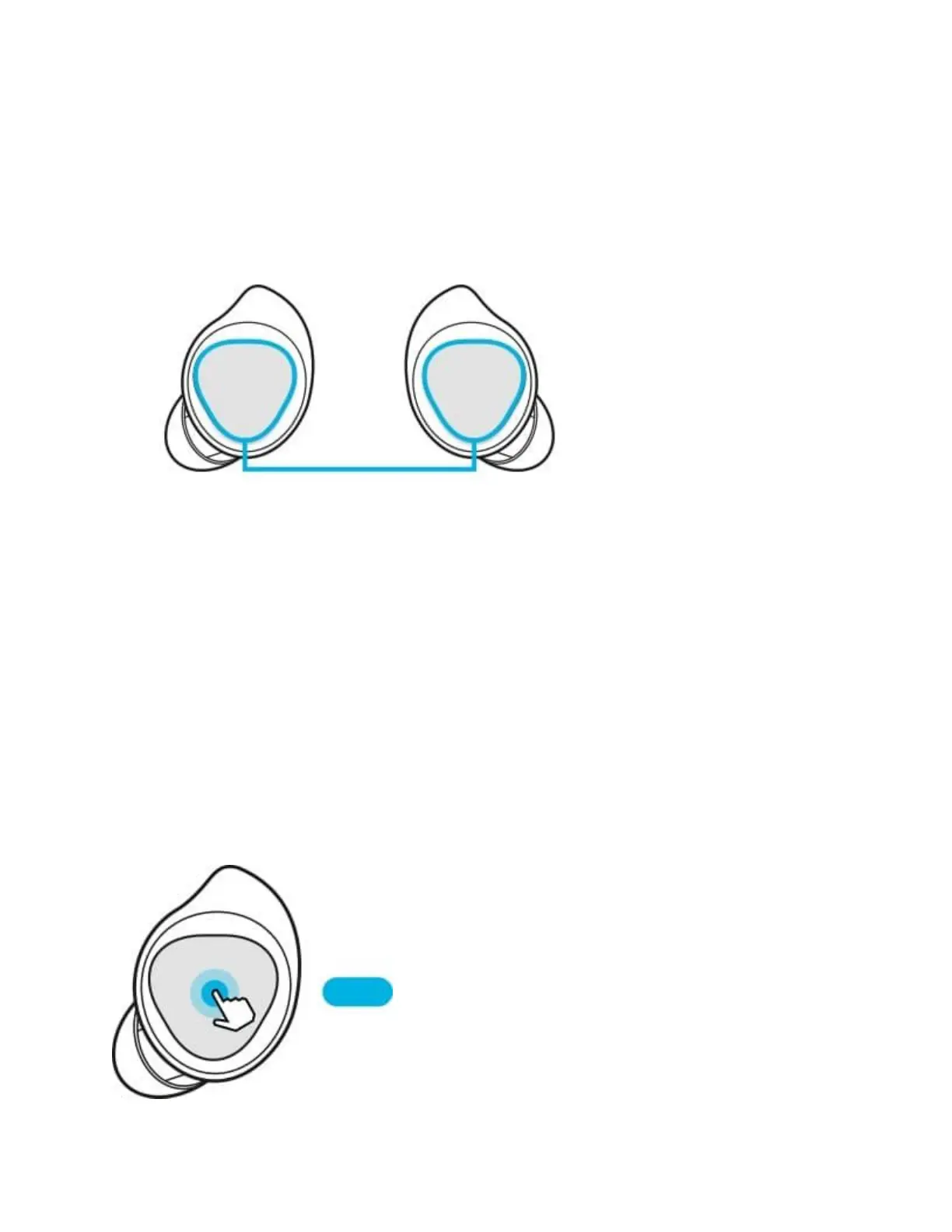
To play or pause the track: Tap the touchpad to play and pause the track.
To play the next track: Double tap the touchpad to play the next track during playback.
To play the previous track: Tap the touchpad three times to play the previous track during
playback.
To adjust the volume during playback: Drag your finger up or down on the touchpad.
You can also adjust the volume by tapping and holding the earbud's touchpad after setting it as a
preset tap-and-hold feature.
Step 1. Launch the Galaxy Wearable app.
Step 2. Tap on Touchpad.
Step 3. Tap and hold the right earbud's touchpad and release your finger when you reach the
desired volume to increase the volume.
Tap and hold the left earbud's touchpad and release your finger when you reach the desired
volume to decrease the volume.







 To Next Page