If the audio quality is not as good on the Galaxy Buds+, find more about 'What to do if the audio
quality is poor on my Galaxy Buds+' with Samsung Support.
Note:
If you select the volume adjustment feature as one side's preset tap-and-hold feature, the other
side's preset tap-and-hold feature is also automatically set to the volume adjustment feature.
Adjust the volume via your connected mobile device if a sound is low in your earbuds while at
full volume.
If you connect the earbuds to your mobile device while listening to music, the volume may
change.
On iOS devices, you can connect your earbuds to the Galaxy Buds+ app.
Make sure to keep the device, apps, and the earbuds' firmware up to date for the best listening
experience.
Listening to music at high volumes may cause hearing damage. If you connect the earbuds to
your phone or tablet while listening to music, the volume may change.
Device screenshots and menu may vary depending on the device model and software version.
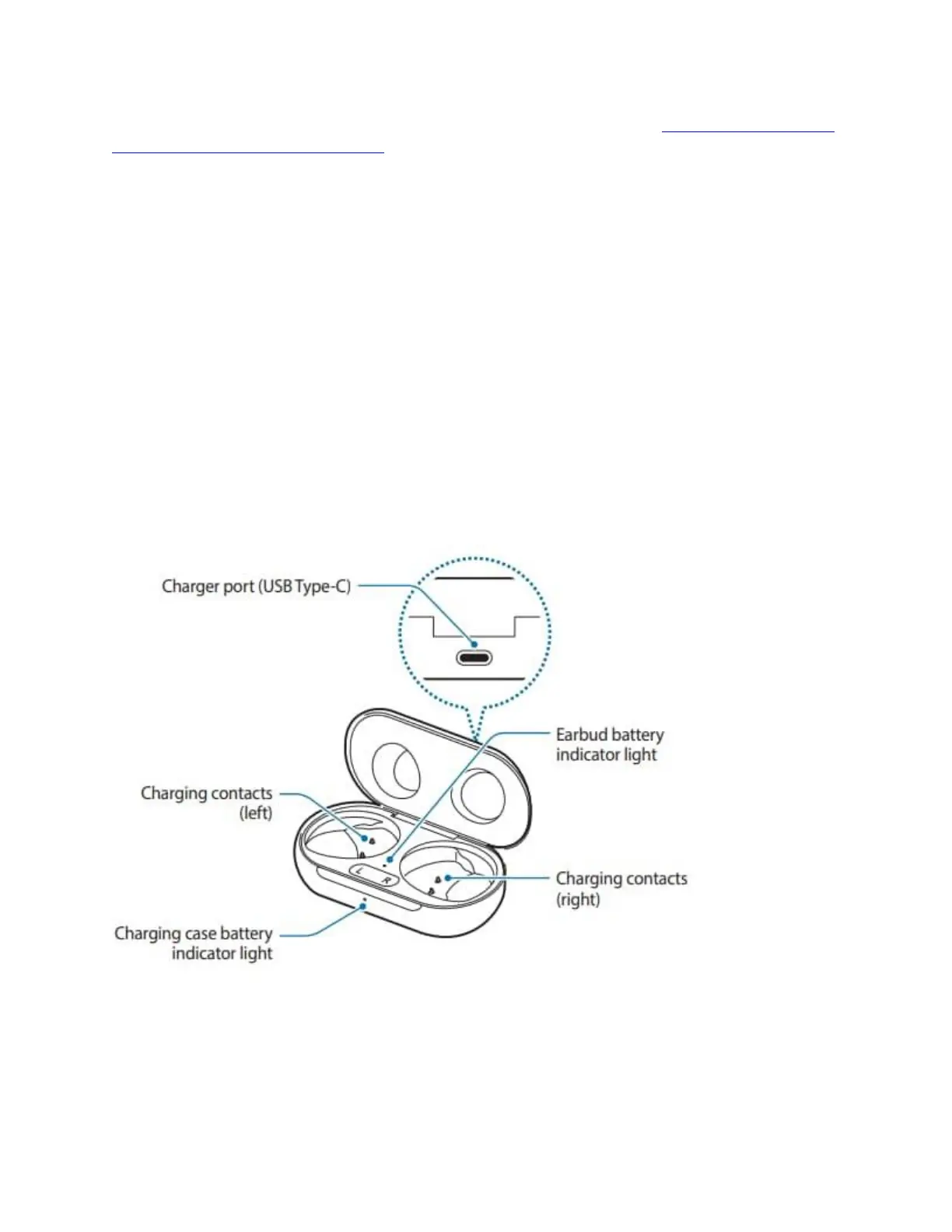
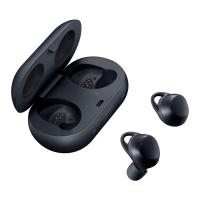
Charging case
If there is swear or liquid on the charging contacts, corrosion may occur on the Galaxy Buds+.
When there is sweat or liquid on the charging contacts or earbuds, clean them before inserting
the earbuds on the charging case.
Close the charging case when you store or charge the earbuds.





 To Next Page