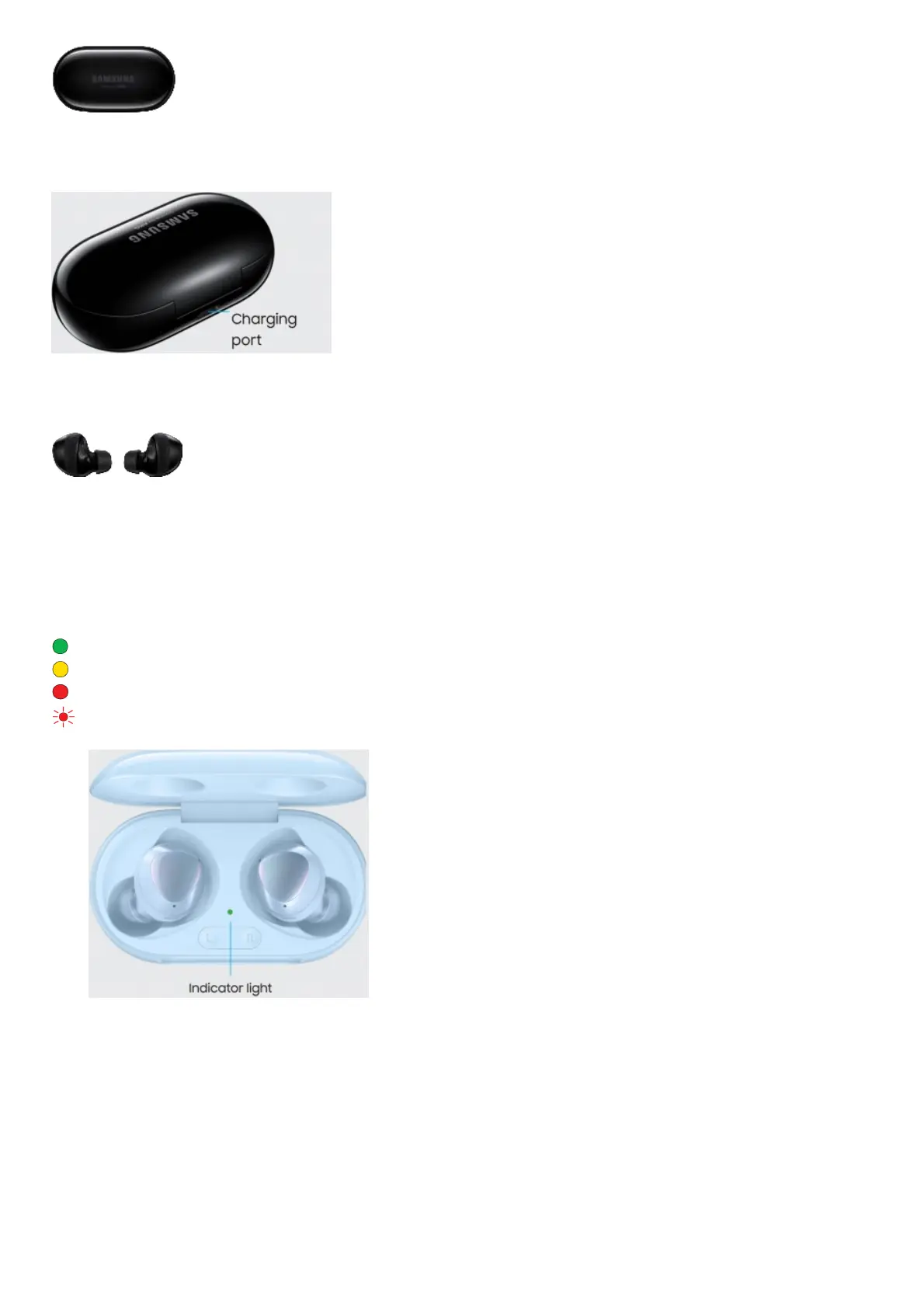
2. Connect to power
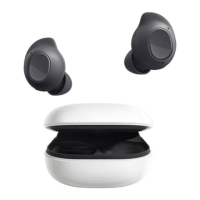
Close the charging case and connect the USB cable
3. Charging
The earbuds and the charging case are charged simultaneously
You can also charge the earbuds and charging case simultaneously using a wireless charger.
Use only Samsung-approved charging devices and accessories. Using other accessories may void your warranty
and may cause damage.
Charger case Indicators
Green Fully charged or above 60% battery
Yellow Between 30% and 60% battery
Red Charging or below 30% battery
Flashing Red Charging disabled or error due to abnormal temperatures or low battery
Indicator light
Explore










 To Next Page