14
Multi WindowKnow Your Device
Multitask by using multiple
applications at the same time.
Activate Multi Window
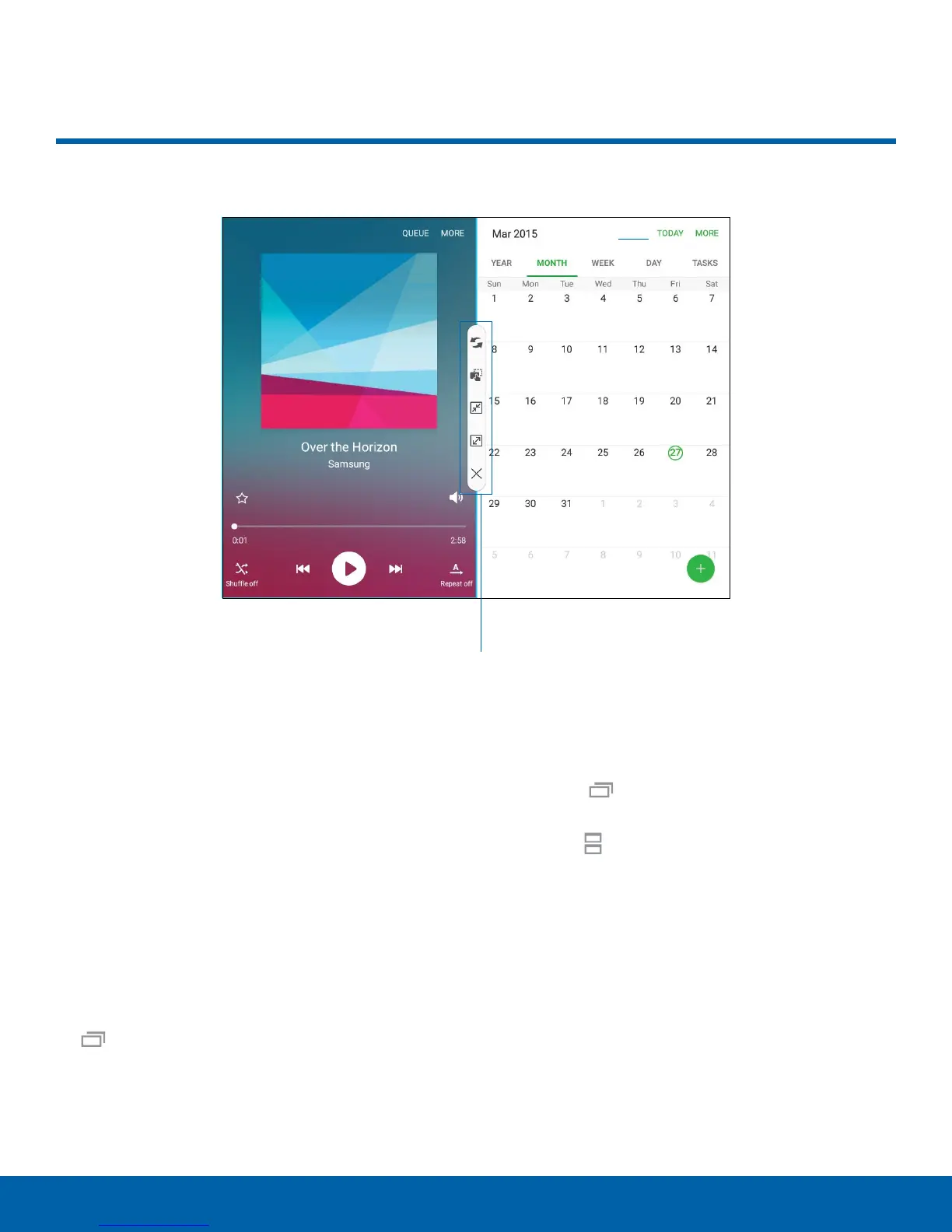
Apps that support Multi window display together on
a split screen. You can switch between the apps,
adjust the size of their display on the screen, and
copy information from one app to the other.
Note: Multi window is not available for all apps.
1. From any screen, touch and hold
Recentapps.
2. If you are currently using an app that supports
Multi window, tap an app to add in split screen,
or tap two new apps to open in split view.
You can also launch recently used apps directly into
Multiwindow view:
1. Tap the
Recentapps key.
2. Recently used apps that support Multiwindow
have a
Multiwindow icon in the title bar. Tap
the Multiwindow icon in the title bar to launch
the application in Multiwindow view.
3. Other recently used apps that support
Multiwindow appear below the launched app.
Tap the app icon to add it to the Multiwindow
view.
Note: Only applications that support Multi window
have the Multi window icon.
Multi Window
Window controls










 To Next Page