15
Multi WindowKnow Your Device
Window Controls
Select an application window and tap the
Borderbutton in the middle of the window
border.
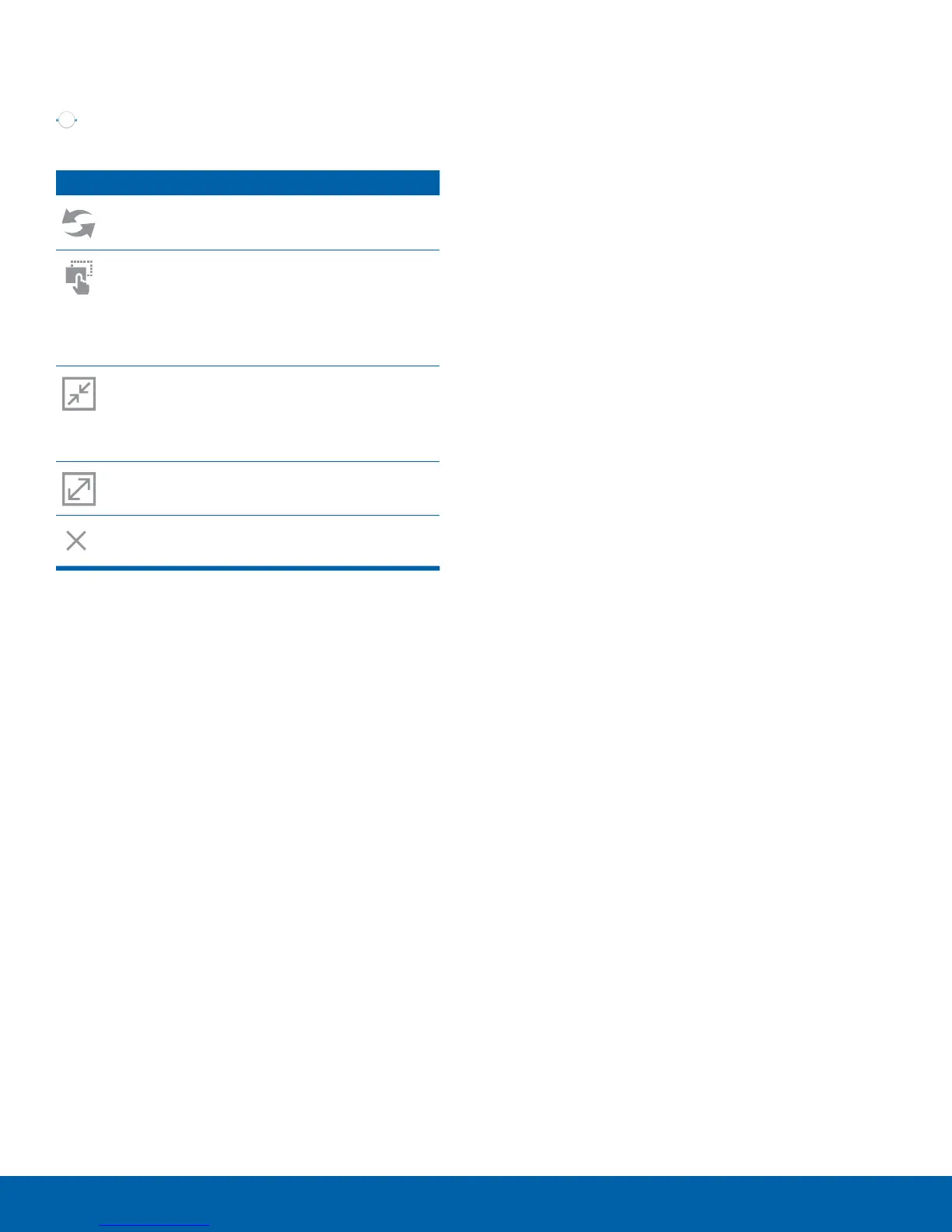
Control Buttons
Switch windows: Switch locations
between Multi window applications.
Drag and drop content: Move items
between the application windows. Drag an
item to share from one window to another.
Some applications may not support this
feature.
Minimize window: Minimize the selected
app window. This turns the app into a
circular, movable icon that can be opened
by tapping on it.
Maximize window: Open the selected
window in full screen view.
Close app: Close the selected application.










 To Next Page