3
Back ViewGetting Started
•
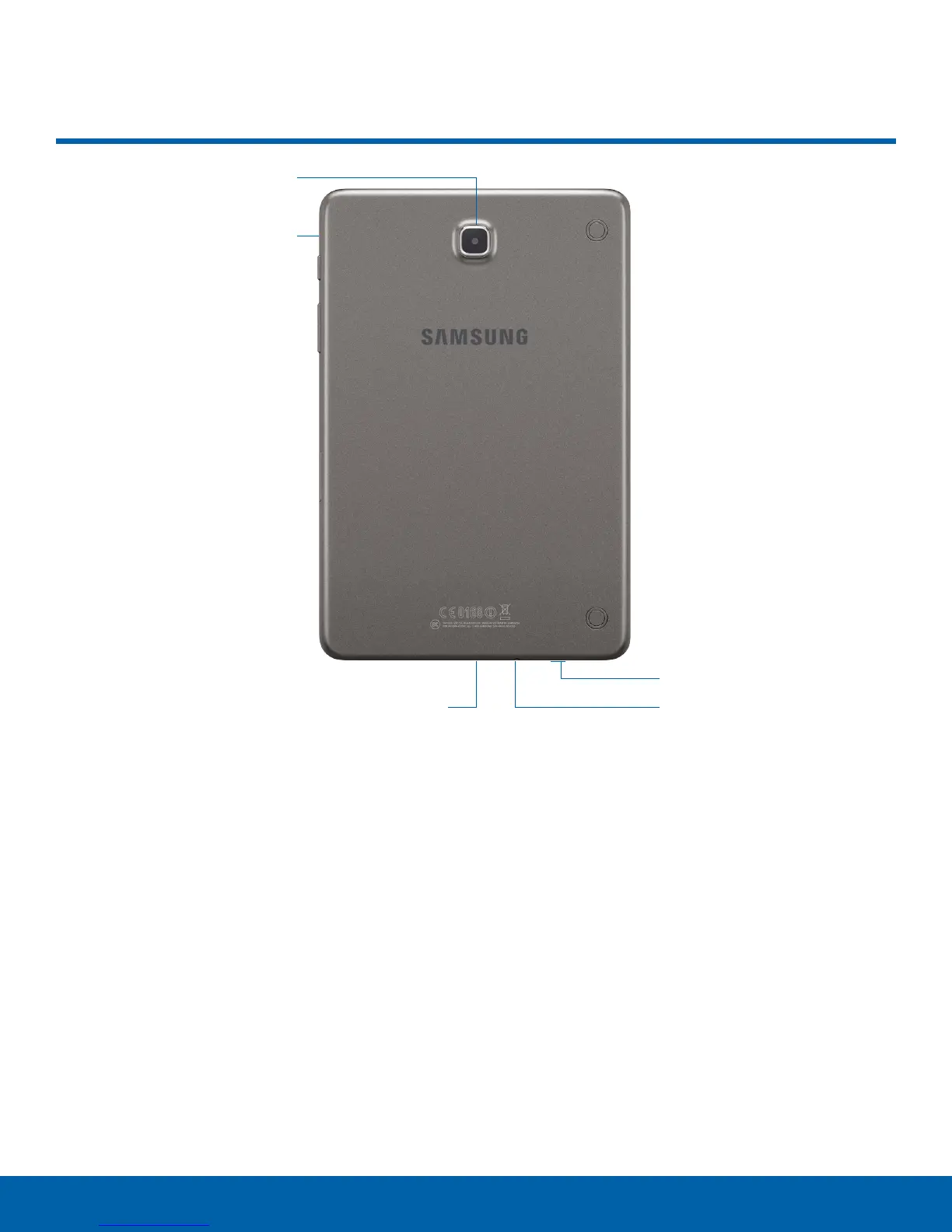
Back camera: Take pictures and record videos.
•
Headset jack: Connect an optional headset
(notincluded).
•
Microphone: Records audio and detects voice
commands.
•
Speaker: Plays music and other sounds.
•
USB charger/Accessory port: Connect the
Charger/USB cable (included), and other optional
accessories (not included).
Back View
Back camera
Microphone
USB charger/Accessory port
Headset jack
Speaker










 To Next Page