12
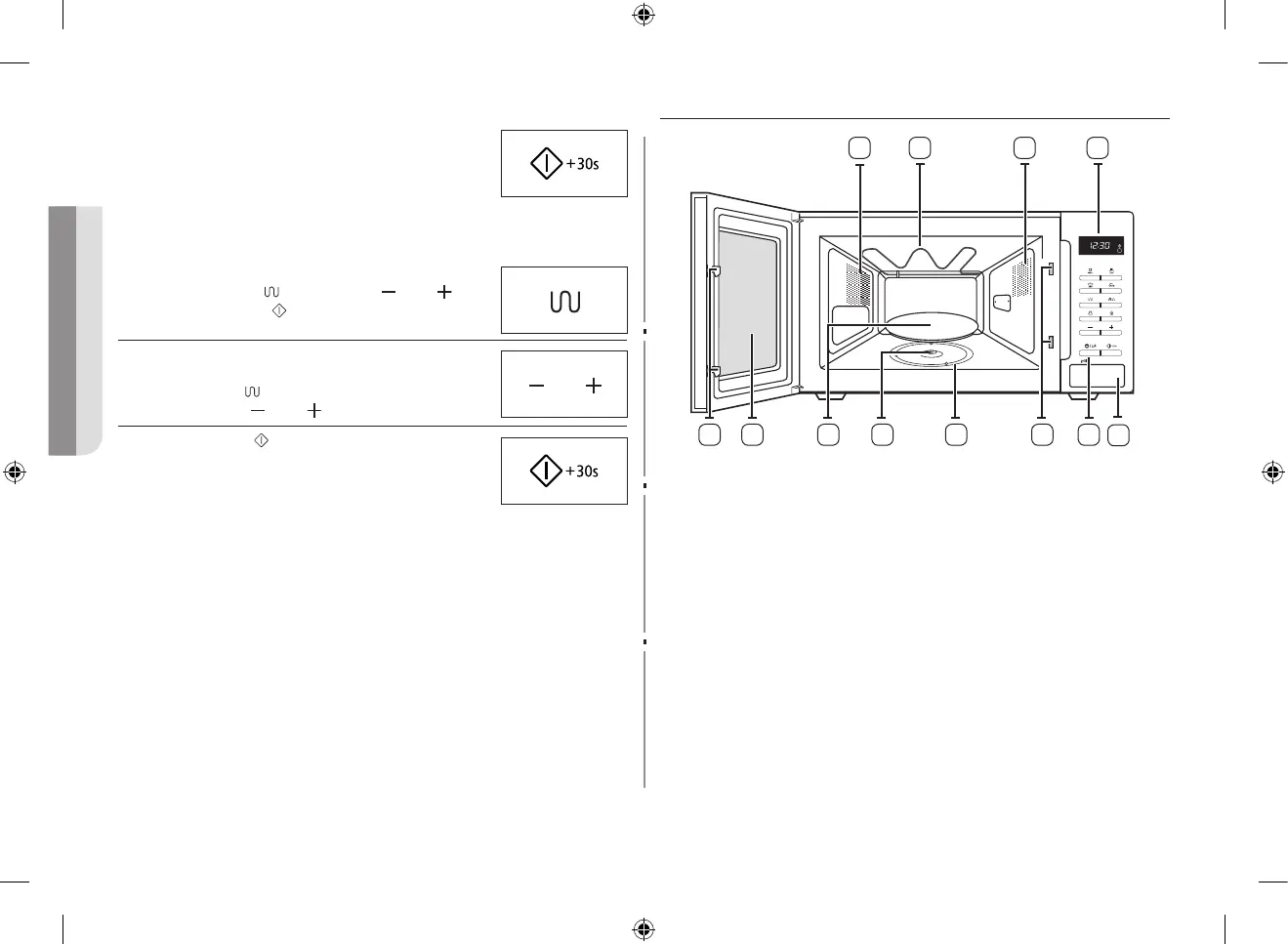
If you want to add extra 30 seconds.
Leave the food in the oven.
Press +30s one or more times for each extra
30seconds that you wish to add.
If you want to grill some food.
1. Preheat the grill to the required temperature, by
pressing the Grill (
), pressing the ( ) and ( )
buttons and Start ( ) button.
2. After preheating is finished, Open the door and Place
the food on the rack in the oven.
Press the Grill (
) button. Select the cooking time
by pressing the ( ) and ( ) buttons
3. Press the Start (
) button.
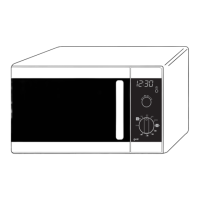
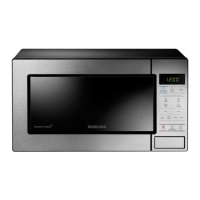
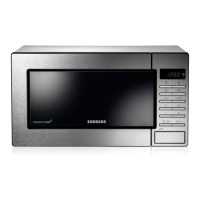
OVEN
1. VENTILATION HOLES
2. GRILL
3. LIGHT
4. DISPLAY
5. DOOR LATCHES
6. DOOR
7. TURNTABLLE
8. COUPLER
9. ROLLER RING
10. SAFETY INTERLOCK HOLES
11. CONTROL PANEL
12. OPEN DOOR PUSH BUTTON
8
9
7
1 2 3
6 105 11
4
12
GE87MC_XEE_DE68-04114D-04_EN.indd 12 2014-09-19 12:16:30


 To Next Page